
4 GitHub Repos That Feel Illegal to Know
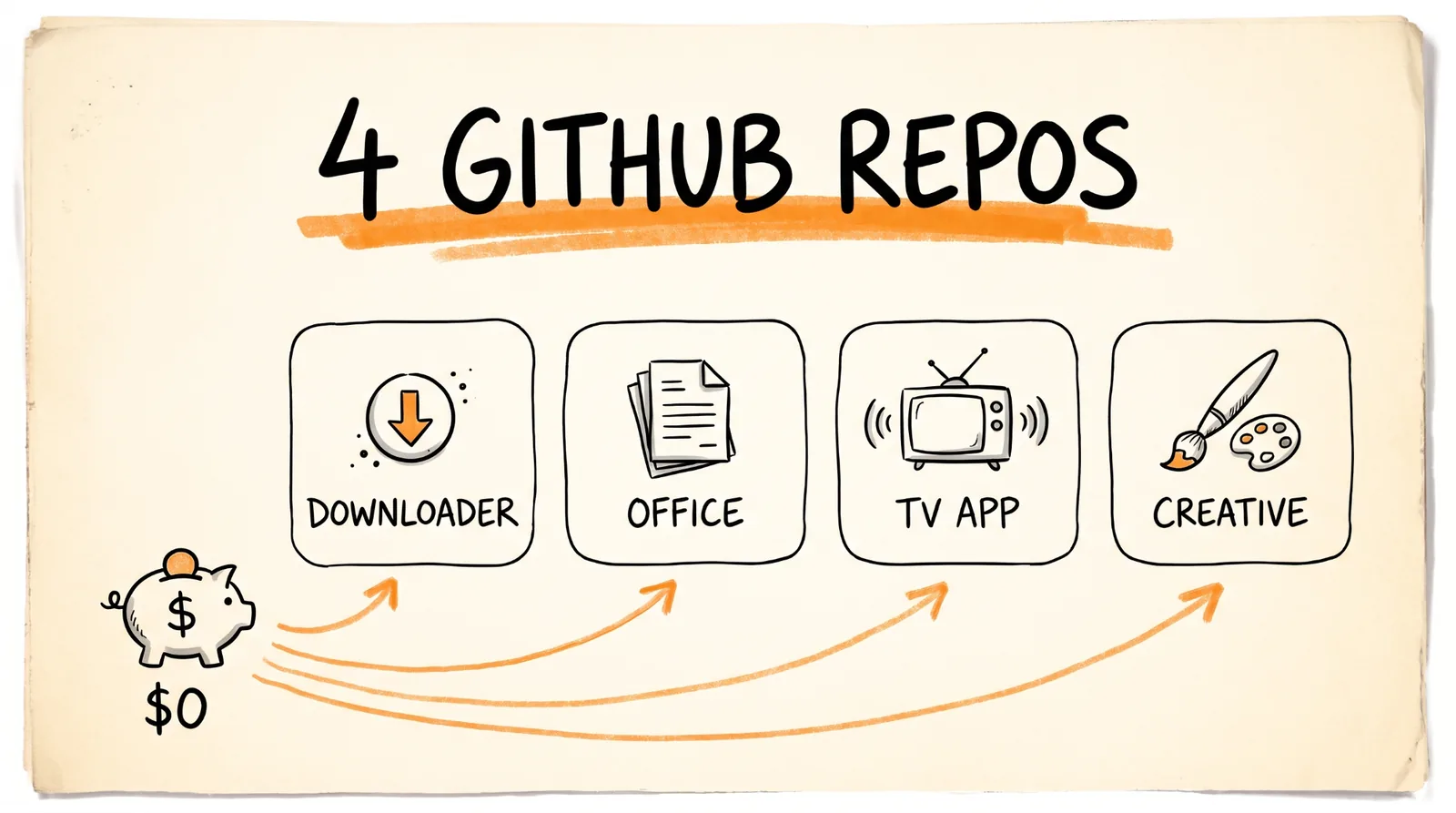
Most people don't realize there are public, open source projects on GitHub that replace thousands of dollars a year in subscriptions. In this guide I'll walk you through all 4 developers from the video, what each one built, and exactly how to set up the ones you can use today. Total hands on time is about 30 minutes.
One honest note before we start. Two of these four, the Microsoft Office one and the Adobe one, are about getting around paid licenses, which breaks Microsoft's and Adobe's terms. For those two I'll show you who the developer is and what they build. The other two you can set up tonight, with every step below.
What You Need
A Mac, Windows, or Linux computer for number 1.
An Android TV, Google TV, Chromecast with Google TV, NVIDIA Shield, or an older Fire TV stick for number 3. More on which devices work in that section.
About 30 minutes total.
Optional: Claude Code, if you'd rather paste one prompt and let it install everything for you.
Number 1: GRQZ and yt-dlp
What it is: GRQZ is a developer who works on yt-dlp, the most popular open source video and audio downloader on GitHub, with over 205,000 stars. It downloads from thousands of sites, in the highest quality the site offers, straight to your computer.
Why it matters: people pay monthly for downloader apps and websites that are just a nice button on top of this exact tool. Most of them are slow, capped at low quality, and full of ads. yt-dlp is free, it runs in your terminal, and it gets fixed almost every time a site changes something.
GRQZ also built a small plugin called yt-dlp-apple-webkit-jsi. On a Mac, it uses Apple's own web engine to solve the puzzles YouTube puts in front of downloaders, so things keep working when YouTube changes its player.
The easy way is to paste this into Claude Code and let it do the setup:
Install yt-dlp on this computer, plus ffmpeg and deno, which yt-dlp needs to merge video and audio and to handle YouTube. Use Homebrew on Mac, winget on Windows, or pip on Linux. Then run yt-dlp --version and ffmpeg -version to confirm everything works, and show me the output.
Or do it yourself. On a Mac with Homebrew:
brew install yt-dlp ffmpeg deno
On Windows, in PowerShell:
winget install yt-dlp.yt-dlp
winget install Gyan.FFmpeg
winget install DenoLand.Deno
With Python on any computer:
python3 -m pip install -U "yt-dlp[default]"
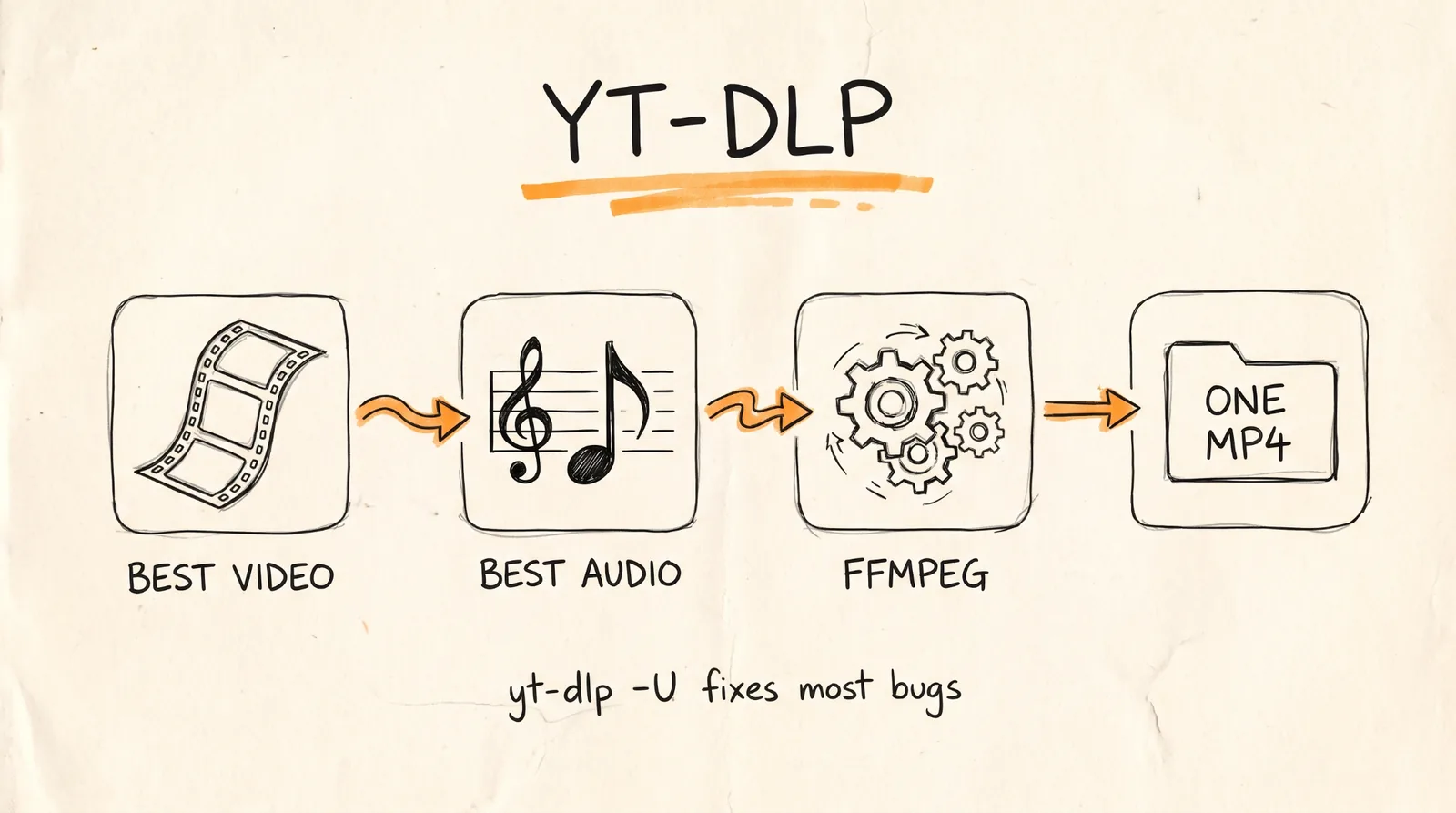
ffmpeg is the part people skip, and it's why their downloads come out as two separate files. Sites store the best video and the best audio separately, and ffmpeg is what glues them back together. Deno is a small JavaScript engine that yt-dlp now needs for full YouTube support.
If you're on a Mac, add GRQZ's plugin too:
python3 -m pip install -U yt-dlp-apple-webkit-jsi
Then run yt-dlp -v and you should see apple-webkit-jsi listed as a provider.
Now the commands you'll actually use. Best quality, merged into one mp4:
yt-dlp -f "bv*+ba/b" --merge-output-format mp4 "URL"
Audio only, as an mp3:
yt-dlp -x --audio-format mp3 "URL"
Cap it at 1080p so files don't get huge:
yt-dlp -S "res:1080,ext:mp4:m4a" "URL"
See every quality option a video has before you pick:
yt-dlp -F "URL"
Grab subtitles with it:
yt-dlp --write-subs --sub-langs "en.*" --embed-subs "URL"
Name your files cleanly:
yt-dlp -o "%(title)s [%(id)s].%(ext)s" "URL"
And here's the secret most people miss. Some videos only show up when you're logged in. Instead of giving a tool your password, yt-dlp can borrow the login from a browser you're already signed into:
yt-dlp --cookies-from-browser chrome "URL"
Sites change things all the time, so when something breaks, update first. Nine times out of ten that fixes it:
yt-dlp -U
If you installed with Homebrew, use brew upgrade yt-dlp instead.
The rule for this one: download your own videos, content you have permission to use, or stuff that's openly licensed. Grabbing your own clips back from a platform, saving a lecture for offline, or pulling audio from your own podcast is exactly what this is for. Reposting other people's videos as your own is what gets accounts taken down.
Number 2: WitherOrNot and Microsoft Office
What it is: WitherOrNot is a developer with over 3,000 followers on GitHub. He's part of the massgravel team, the group behind the well known Microsoft activation scripts, and he also publishes deep technical write-ups on how Microsoft's licensing and code protection work.
Why it matters: activation scripts make Windows and Office think they've been paid for when they haven't. That's why this one feels illegal to know, and it's also why it breaks Microsoft's license terms. His pinned projects include TSforge, with over 2,600 stars, and UMSKT, a research toolkit for older Microsoft licensing with over 2,400 stars.
The part most people skip is his documentation. He has public write-ups on WARBIRD, the code protection Microsoft uses to hide how its licensing works, and on how Windows stages its different editions. If you want to understand how software licensing actually works under the hood, those docs are one of the best free reads on GitHub.
Number 3: Yuliskov and SmartTube
What it is: Yuliskov is the developer behind SmartTube, a free and open source YouTube app for your TV with over 35,000 stars on GitHub. It plays videos without ads, skips sponsor segments for you, and supports up to 8K, 60fps, and HDR if your TV can handle it.
Why it matters: the official TV app keeps stacking ads in front of every video unless you pay for Premium. SmartTube has no ad code in it at all, and it has SponsorBlock built in, which is a community list of where the sponsor reads are in videos, so it skips those too.
First, check your device. SmartTube works on Android TV, Google TV, Chromecast with Google TV, NVIDIA Shield, and Fire TV devices released before October 2025. It does not work on phones, tablets, Samsung or LG smart TVs, Apple TV, or the newest Fire TV sticks that run Amazon's Vega OS.
Second, and this is the part that matters most: only install it from the official GitHub. The developer says SmartTube is not on any app store. Copies on random APK sites and app stores can have malware or ads stuffed into them.
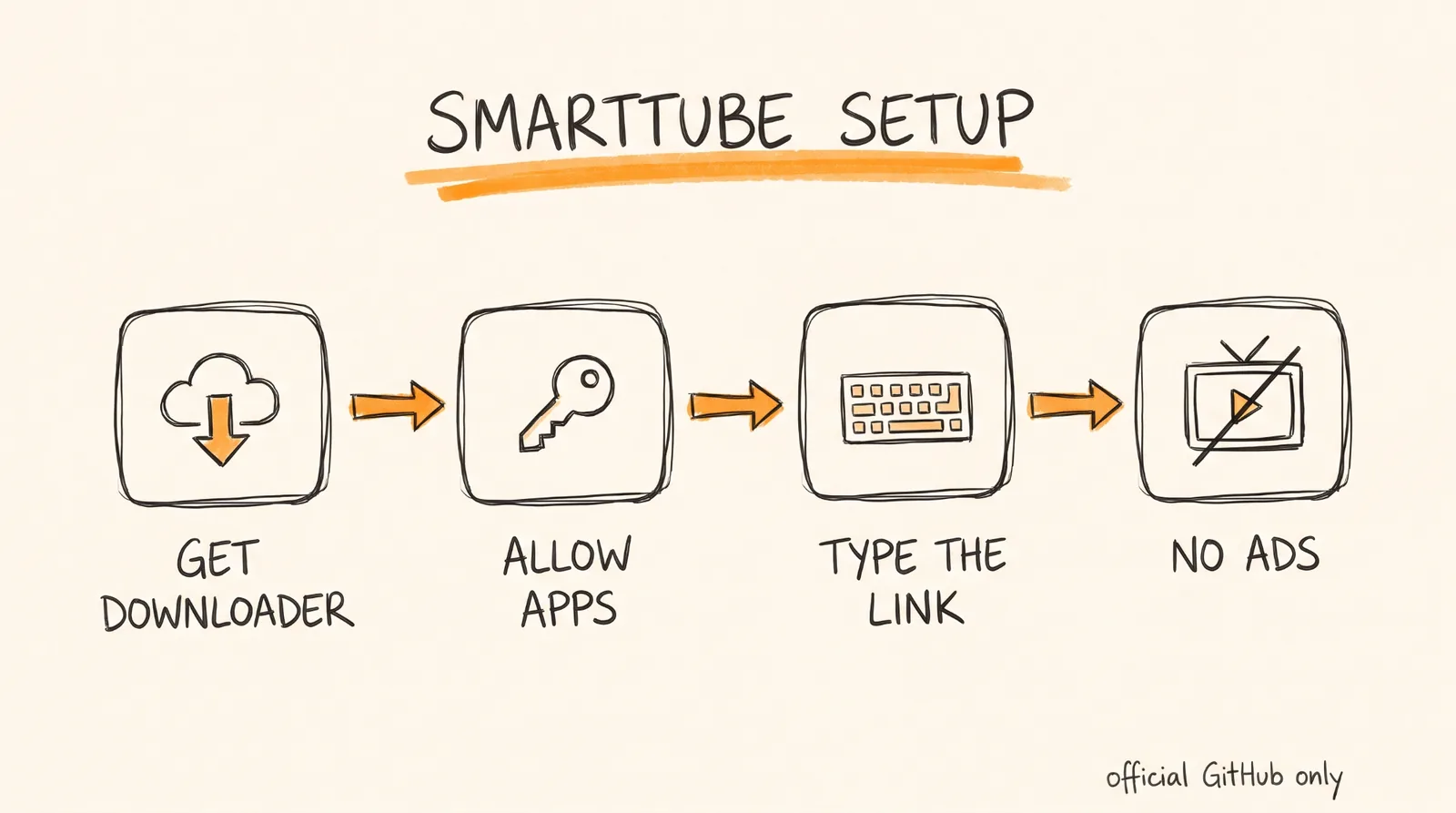
The easiest install, in 4 steps:
1. On your TV, install the free Downloader app by AFTVnews from your TV's app store.
2. In your TV's settings, allow Downloader to install unknown apps. On a Fire TV, if you don't see Developer Options, go to Settings, then My Fire TV, then About, and click your device name 7 times to unlock it.
3. Open Downloader and type in this address, which is the developer's own short link:
kutt.to/stn_beta
Use kutt.to/stn_stable instead if you'd rather have the stable version. The developer recommends beta because it gets fixes faster.
4. Install it, open it, and sign in with your Google account if you want your subscriptions and history.
If you'd rather download the file on your computer and send it to your TV, these are the official links:
Beta: https://github.com/yuliskov/SmartTube/releases/download/latest/smarttube_beta.apk
Stable: https://github.com/yuliskov/SmartTube/releases/download/latest/smarttube_stable.apk
Then send it over with an app like Send Files to TV, or copy it to a USB stick.
Once it's running, go into settings and turn on SponsorBlock, set your default quality, and turn on the speed controls if you watch long videos at 1.5x.
One heads up. The developer has said his build computer was hit by malware at one point. He rebuilt everything and now scans builds with VirusTotal, but it's another reason to only ever install from his official links. Also know that third party YouTube apps go against YouTube's terms of service, so YouTube could break it at any time, and if it stops working, an update usually fixes it.
Number 4: Mythologist and Adobe
What it is: Mythologist is the developer from the video whose projects are about using Adobe's creative tools without paying for Creative Cloud.
Why it matters: Creative Cloud is one of the most expensive subscriptions most creators pay for, which is exactly why these projects get so much attention. Same as number 2 though, unlocking Photoshop or Premiere without a subscription breaks Adobe's license.
Two things to know if you go looking. Adobe goes after businesses using unlicensed copies, so if you do client work, this can come back on you. And cracked creative software is one of the most common ways people get malware on their computer, so the safety section below matters most here.
How to Stay Safe with GitHub Tools
Free tools on GitHub are amazing, but they're also where fakes hide. Here's how to tell a real project from a trap.
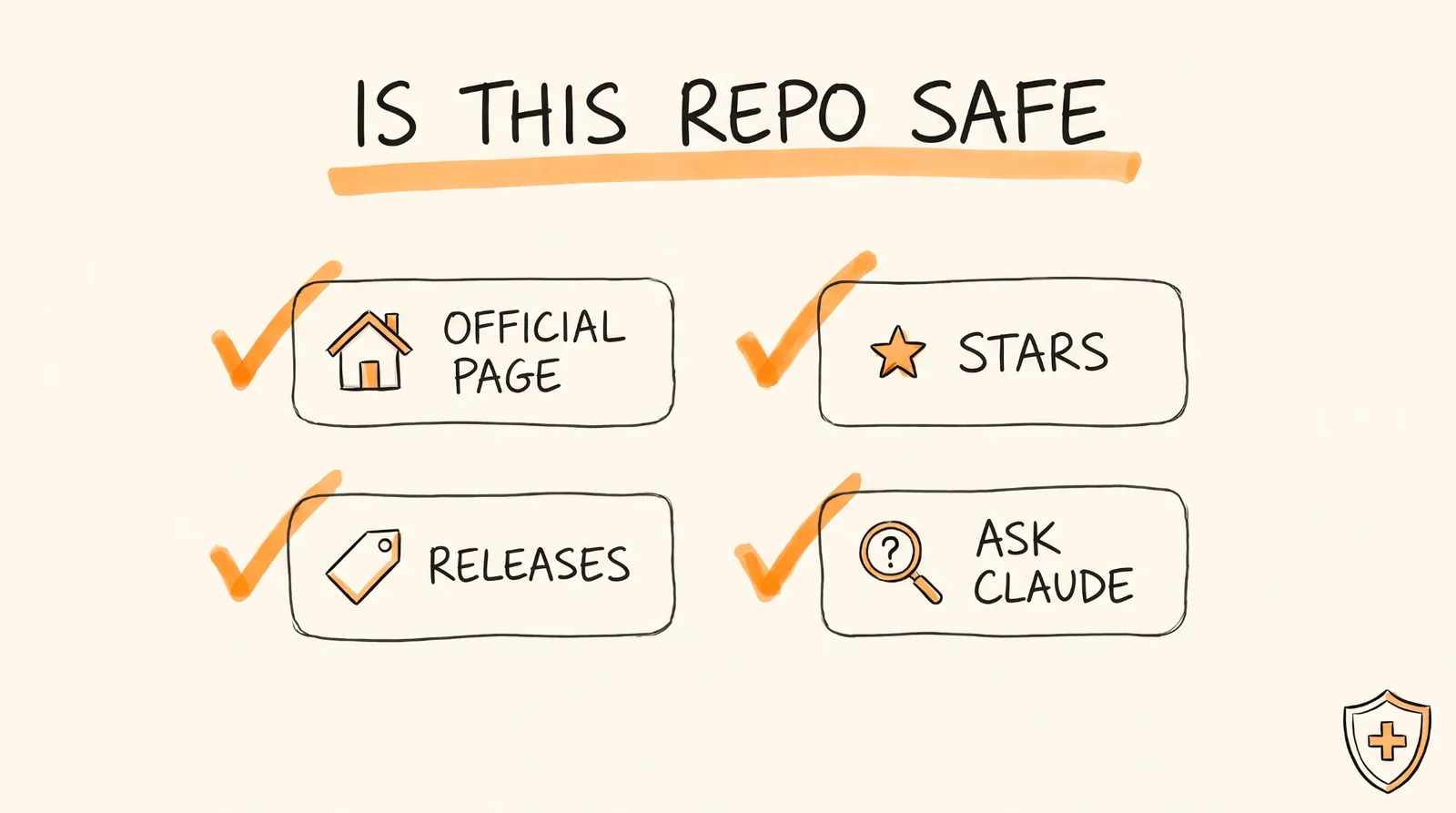
Only download from the developer's own GitHub page or the links in their README. Not from a YouTube description, a Telegram group, or an APK site.
Check the stars and the activity. Real projects like yt-dlp and SmartTube have tens of thousands of stars and updates every few weeks. A fake copy usually has a handful of stars and was created last month.
Look at the Releases tab. Real projects publish their downloads there, with a version number and notes on what changed.
Be extra careful with anything that unlocks paid software. That's the number one category for malware, because people turn off their antivirus to run it.
And if you use Claude Code, you can ask it to check a repo before you run anything:
Look at this GitHub repo: [URL]. Tell me what it does, when it was created, how many stars it has, whether the install steps download anything from outside GitHub, and anything in the code that looks risky. Do not run anything yet.
Rules to Remember
yt-dlp downloads from thousands of sites in the best quality, and ffmpeg is what merges the video and audio into one file.
When yt-dlp breaks, run yt-dlp -U before anything else.
Use --cookies-from-browser instead of ever giving a tool your password.
Download your own content or content you have permission to use.
Only install SmartTube from the developer's official links, never from an app store or APK site.
Turn on SponsorBlock in SmartTube and it skips sponsor reads for you.
Office activation scripts and Adobe unlock tools break the license, and they're the number one hiding spot for malware.
Check every repo before you run it, and let Claude Code do the checking for you.
The best tools on GitHub are free, public, and sitting there for anyone who knows where to look.
Don't want to figure this out alone? I walk members through every step inside the community. Join the Skool → skool.com/raycfu