
How to Build a $10k/month Automated GTA 6 Channel
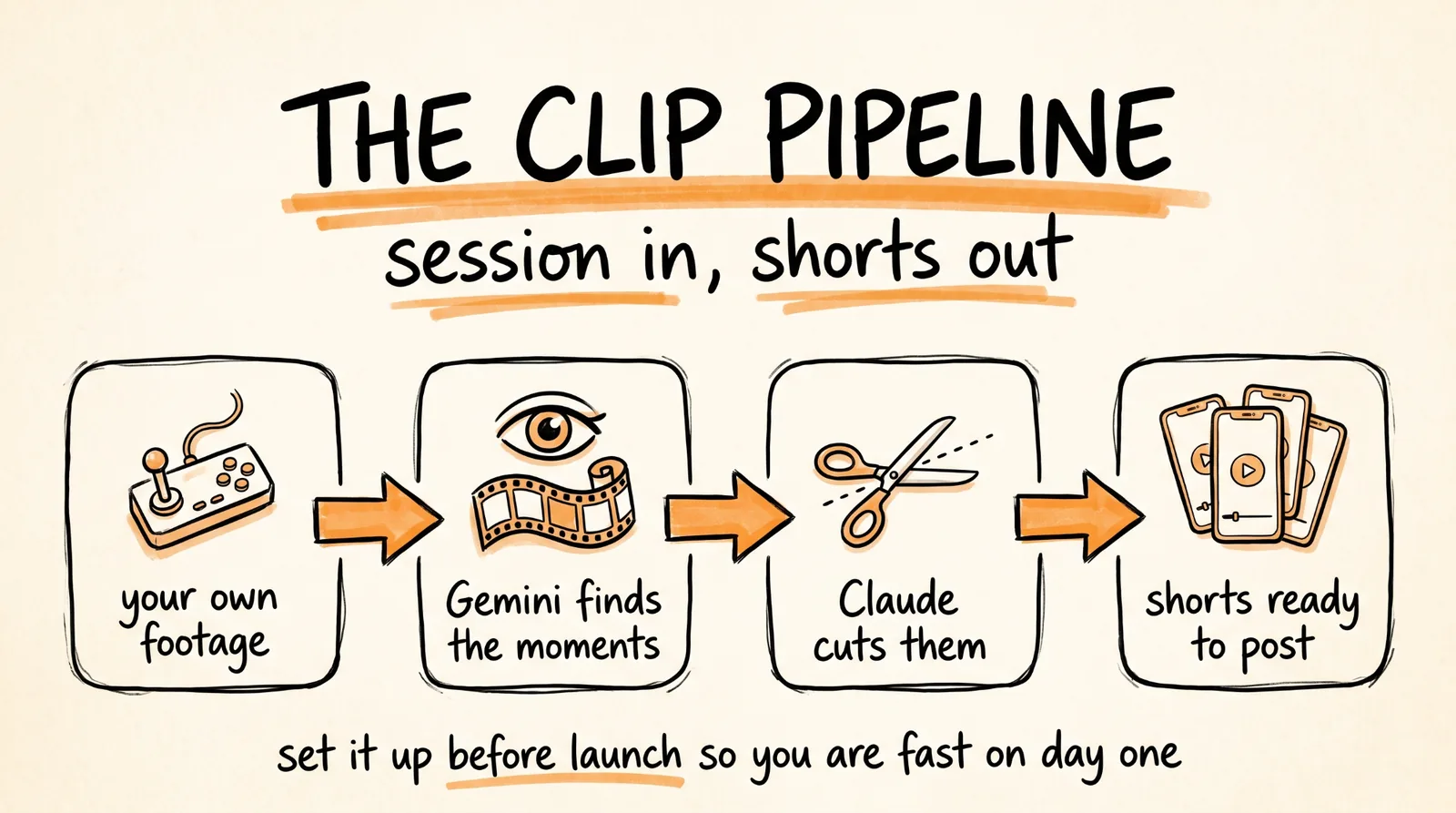
GTA 6 is going to be the biggest launch in entertainment history, and the creators who move fastest on day one take the majority of the attention. This is the pipeline that makes you fast: connect Higgsfield to Claude, let Gemini watch your footage and find the best moments, have Claude cut them into vertical shorts, and then automate the publishing so the whole thing runs on a schedule.
With GTA 5, early creators built entire careers on gameplay content. The audience for 6 will be bigger, and the tools to cut content are faster than they have ever been. What decides who wins is having this running before launch rather than figuring it out after.
Don't want to figure this out alone? I walk members through every step inside the community. Join the Skool → skool.com/raycfu
Step 1: Connect Higgsfield to Claude
Open Claude, go to Settings, click Connectors, and add a custom connector using the Higgsfield MCP URL:
https://mcp.higgsfield.ai/mcp
Log in with your Higgsfield account when it prompts you. Two minutes, one time, and Claude can now generate and process video directly instead of you moving files between tools.
Test it before building anything on top. Ask Claude to generate one short clip through Higgsfield. If a video comes back, you are connected.
Step 2: Record a Session
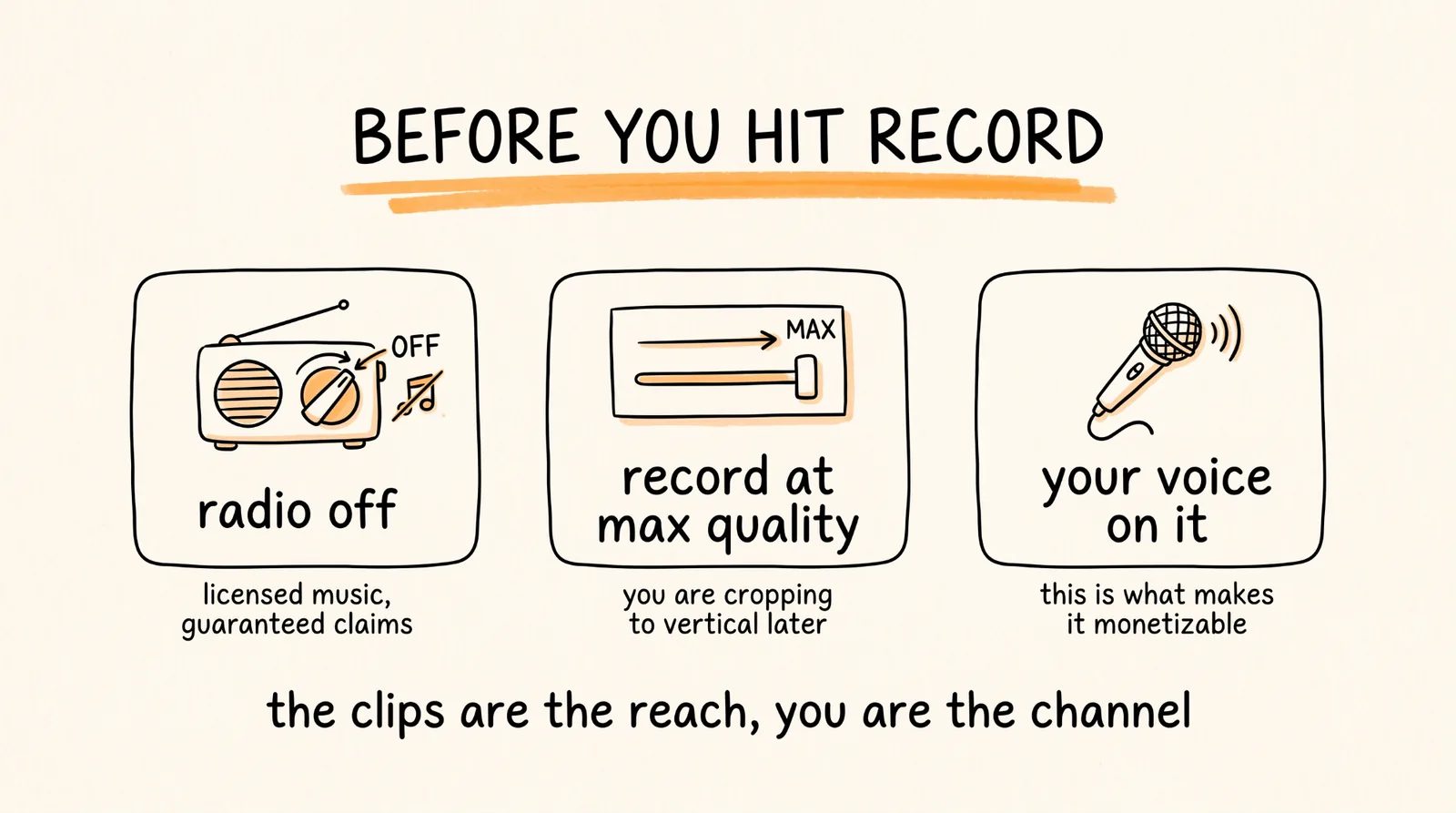
Play, record, done. That is your footage.
Two settings that matter before you hit record.
Turn the in-game radio off. GTA's soundtrack is licensed music that generates copyright claims on otherwise perfectly clean gameplay, and it is the single most common reason gaming clips get flagged.
Record at the highest quality your machine handles. You are cropping to vertical later, which throws away most of the frame, so you need the pixels to begin with.
And start now, before GTA 6 is even out. Record a session in whatever you already play and run this entire pipeline on it this week. The point is that on launch day you are executing a workflow you already know cold, while everyone else is opening a video editor for the first time. The game changes. The pipeline does not.
Step 3: Let Gemini Find the Moments
This is where it gets good. Gemini can watch video natively, because Google owns YouTube, so it analyzes the actual frames and audio rather than guessing from a transcript. It sees what happened, not what someone said.
Upload your session recording, or paste the link if you have it uploaded unlisted, and use this:
Watch this gameplay footage and find every moment that would work as a standalone vertical short.
For each one, give me: the exact timestamp range, what happens, why it would stop someone scrolling, and what type of moment it is: a stunt, a fail, a near miss, a discovery, a funny glitch, a satisfying takedown, or a reveal.
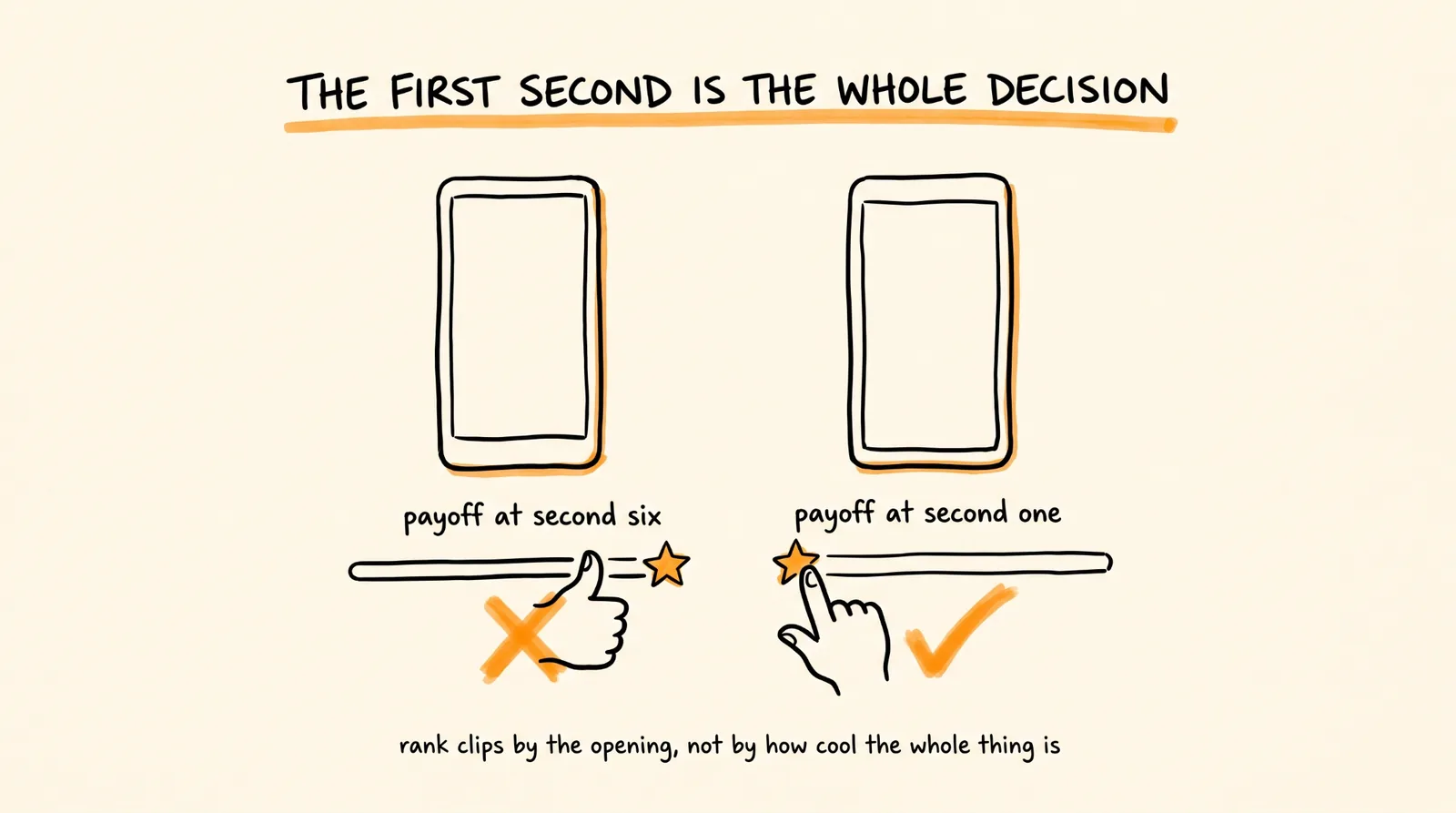
Rank them by how strong the first second is, not by how cool the whole clip is, because on a vertical feed the first second is the whole decision.
Flag anything that would break a short: a slow build before the payoff, dialogue that needs context, or an on-screen spoiler.
Give me the top 10 and tell me which one to post first.
That instruction about the first second is the one that matters most. A ten second clip where the good part happens at second six is a clip nobody sees, and it is the most common mistake in gameplay shorts by a wide margin.
Step 4: Have Claude Cut Them
Hand the timestamps over and let it work:
Using the Higgsfield connector, take these timestamp ranges from my gameplay recording and cut each one into a vertical short.
For each clip: crop to 9:16 keeping the action centered in frame, trim so the payoff hits within the first second, keep each clip between 8 and 20 seconds, and add captions for any dialogue.
Label every output with the moment type and the timestamp it came from so I can find the source later.
Then give me, for each clip, three hook text options to overlay on the first frame, written as something a person would actually say, not a description of what happens.
Let it cook for a few minutes and you get finished clips back, ready to post.
Step 5: Automate the Publishing
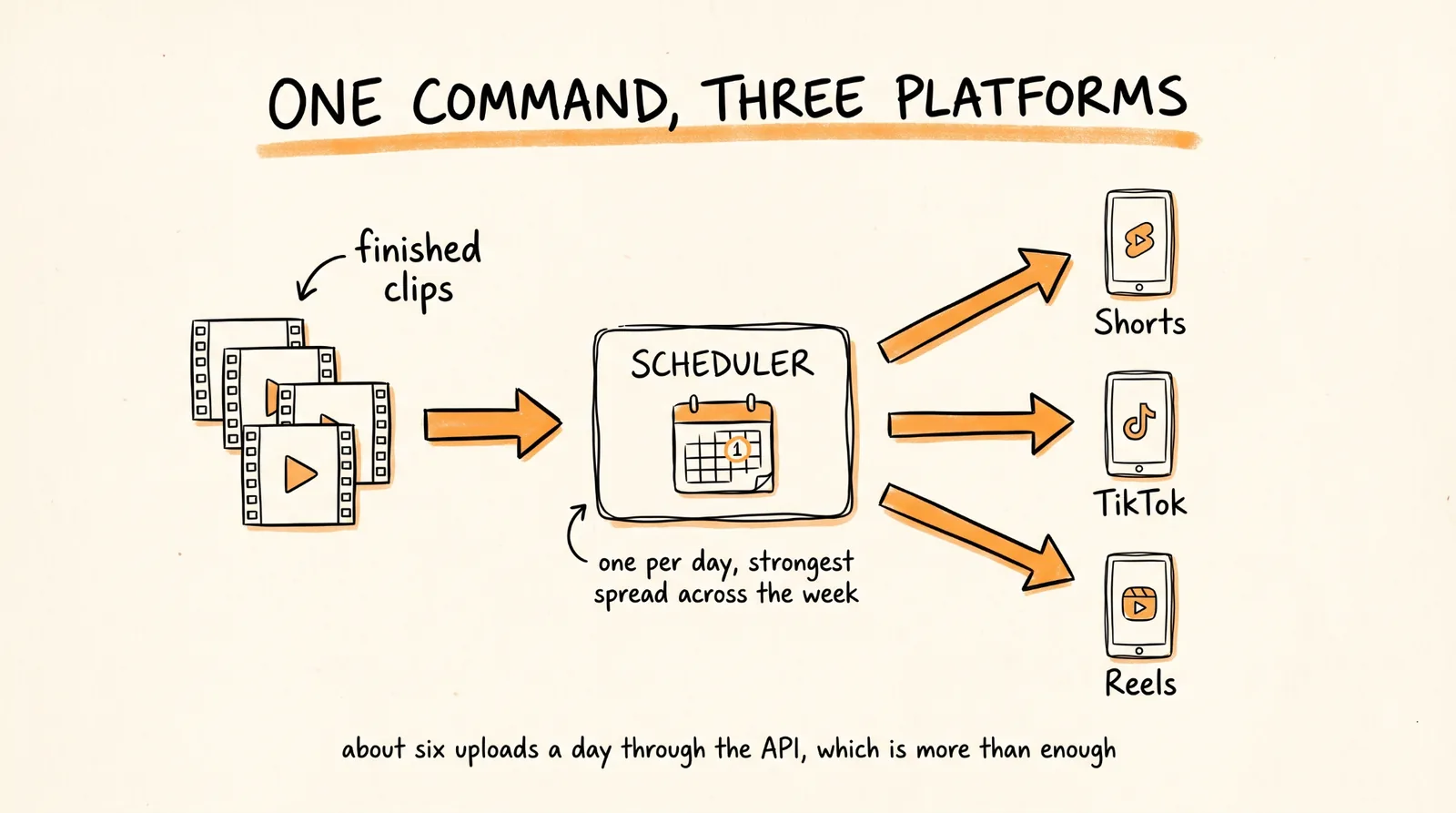
Now the part that turns this from a fast workflow into an actual system. You have clips. The goal is that getting them onto three platforms on a schedule costs you almost nothing.
Set up the upload connection. YouTube has an official Data API that handles uploads, titles, descriptions, tags, and scheduled publish times programmatically. Tell Claude to wire it up for you:
Help me set up YouTube Data API v3 access so you can upload Shorts to my channel directly. Walk me through creating the Google Cloud project, enabling the API, and authorizing my channel, step by step, and tell me exactly what to click.
One constraint worth knowing before you plan volume around it. The default daily API quota is 10,000 units and a video upload costs around 1,600 of them, so you get roughly 6 uploads per day through the API before you hit the ceiling. That is plenty for a real posting schedule and not enough for spray-and-pray, which is fine, because spray-and-pray does not work anyway.
For the other platforms, use a scheduler with an MCP so Claude can push to all of them in one move. Postiz is open source and has an MCP server, so Claude hands it the finished clips and it handles TikTok and Reels alongside YouTube.
Then the batch prompt that does the whole publishing run:
Take the finished clips from today's session and schedule them.
For each clip: write a title under 50 characters that leads with the moment rather than the game, write a description with the hook in the first line, add relevant tags, and pick the best of the three hook text options for the thumbnail frame.
Schedule them one per day at [YOUR TIME], starting [DATE], spreading the strongest clips across the week rather than front-loading them.
Post each one to YouTube Shorts, TikTok, and Reels through Postiz.
Check the AI disclosure box where the platform asks for it.
Then show me the full schedule before anything goes out, with the title, the date, and the clip it is attached to, so I can approve it.
Step 6: Put the Whole Loop on a Schedule
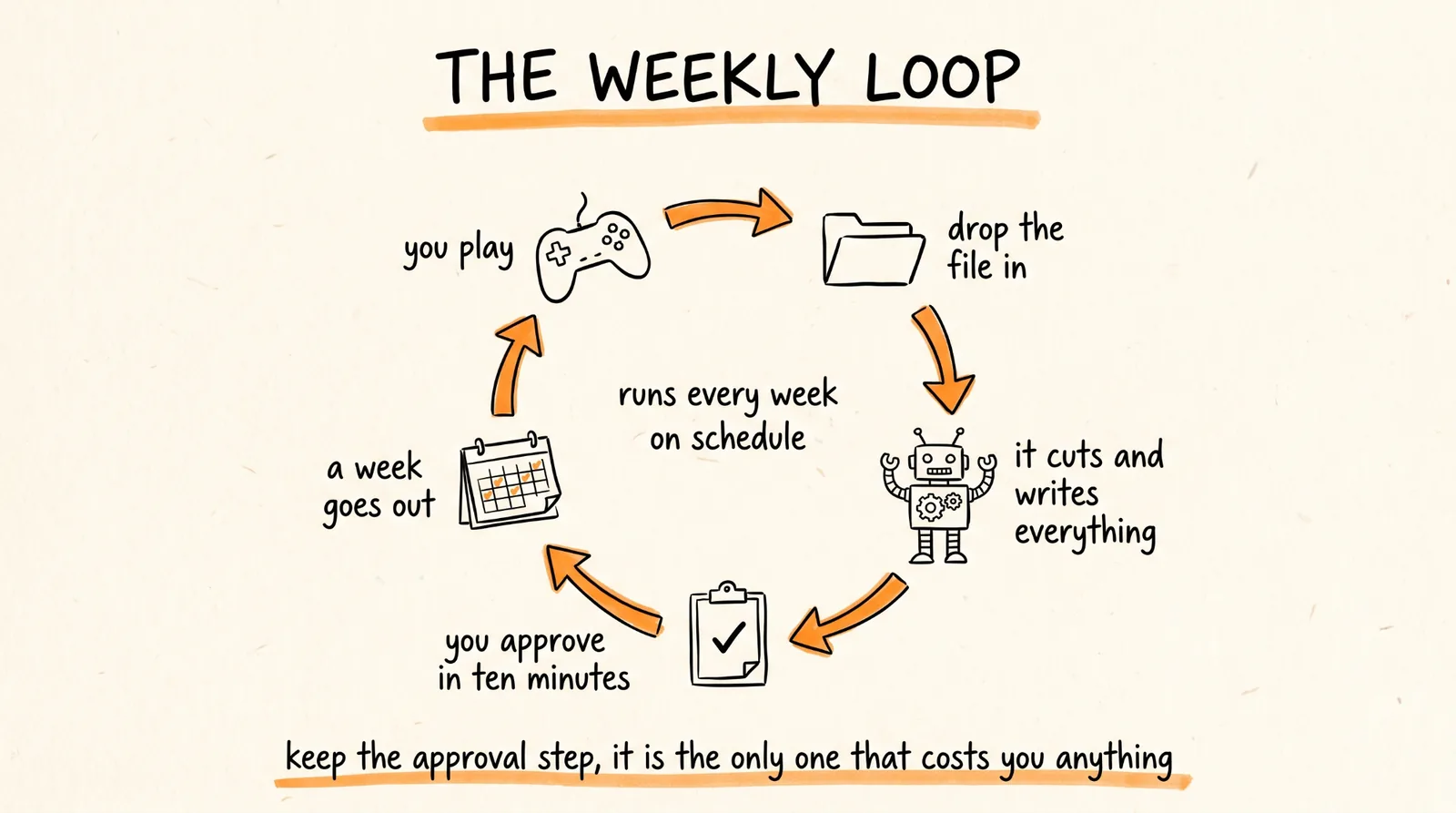
Once the pieces work individually, chain them. Set a scheduled task in Claude that runs your weekly cycle:
Every [DAY] at [TIME], run my clip pipeline.
1. Check my footage folder for any new session recordings.
2. For each one, run the moment-finding analysis and pull the top 10 clips.
3. Cut them to vertical with the Higgsfield connector using my standard settings.
4. Write titles, descriptions, and tags for each.
5. Build next week's posting schedule, one clip per day.
6. Send me the whole batch for approval before anything is scheduled.
If there is no new footage, say so in one line and do nothing.
That is the real automation. You play, you drop the recording in a folder, and once a week you get a finished week of content to approve in ten minutes.
Keep that approval step. An automated pipeline posting unreviewed is how a clip goes out with a cut in the wrong place, a spoiler in frame, or a title that does not match the video, and on a channel you are trying to grow that costs more than the ten minutes saved.
Step 7: The Feedback Loop That Makes It Improve
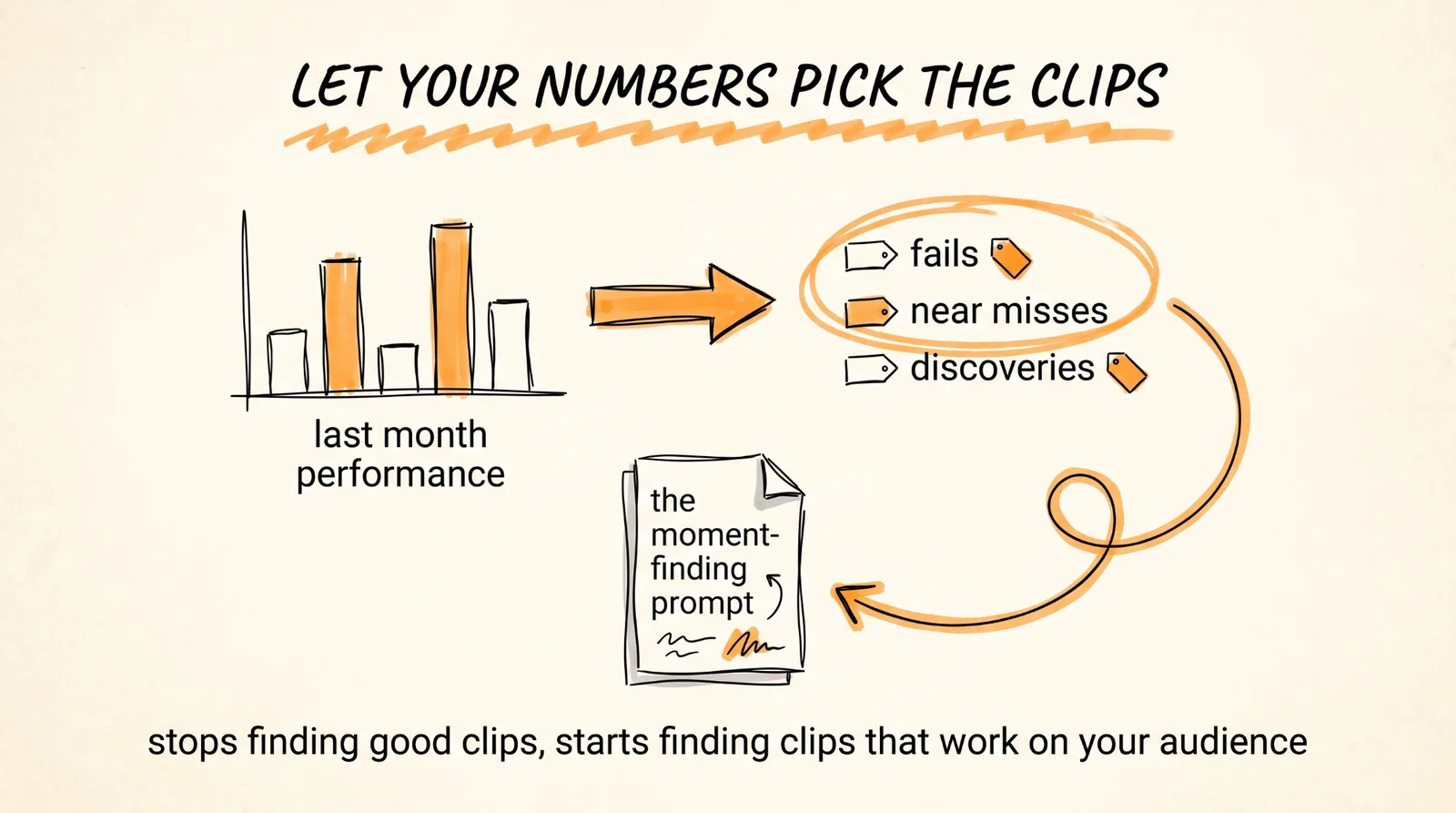
This is the part almost nobody builds, and it is what separates a channel that posts from a channel that grows.
Once a month, pull your own numbers and let the system learn from them:
Pull the performance data for every short I posted last month: views, average view duration, retention at 3 seconds, and likes.
Then tell me:
- Which moment types performed best, using the labels from my clips: stunts, fails, near misses, discoveries, glitches, takedowns, reveals
- What the top 5 clips had in common in their first second
- What the bottom 5 had in common
- Whether my hook text style is helping or doing nothing
- What time of day actually performed, based on my data rather than general advice
Then update my clip selection criteria for next month, and tell me specifically what to change in the moment-finding prompt.
Feed that updated criteria back into step 3. After two or three months the analysis stops finding clips that are objectively good and starts finding clips that work on your specific audience, which is a completely different and much more valuable thing.
What to Do Before Launch
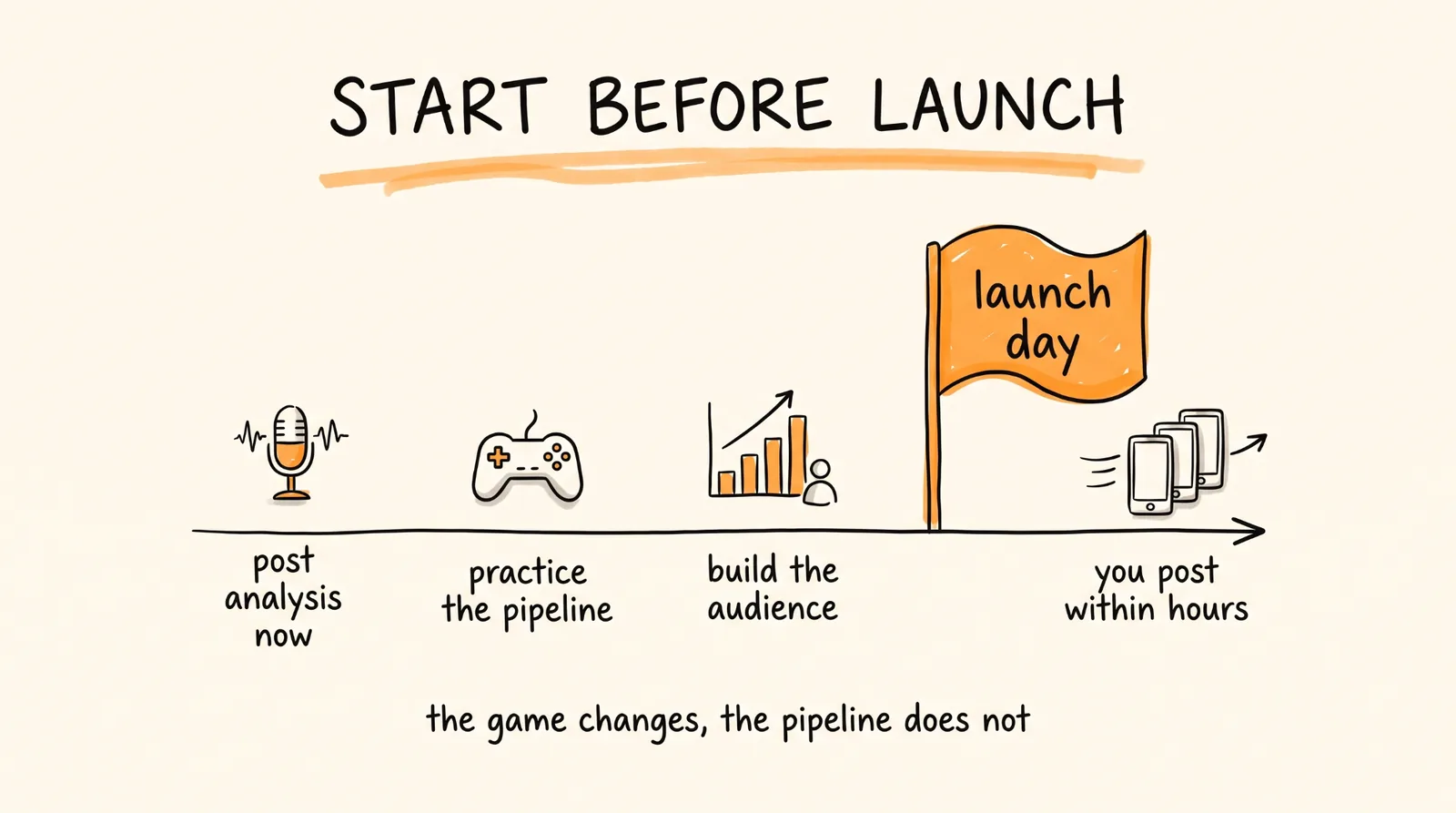
Do not wait to start the channel. A channel that already exists on launch day beats one created that morning, because the algorithm has something to work with and your first GTA clip lands on an audience instead of into nothing.
Post the content you can make right now: analysis, map breakdowns, what you expect from the mechanics, reactions to the news, your predictions. Build the audience that will be there when you have the footage.
And run the full pipeline weekly on whatever you are playing now, including the automation. Every session you cut is practice on the workflow and a clip you can post. By launch you will know exactly how long a run takes, which moment types perform on your account, what your hook text should sound like, and your upload automation will already be authorized and tested.
Setting up the YouTube API on launch day instead of in advance is the difference between posting within hours and posting on day three, and on a launch this size day three is a different universe from day one.
The Part That Makes It Monetizable
Worth knowing before you build the whole plan on clips alone.
YouTube requires content to be original and authentic to monetize, and a channel of raw clips with no commentary and nothing that could only have come from you is the category they deny. The clips are the reach. You are the channel.
So put your voice on it. Your reaction, your take on what happened, the thing you found that nobody else did. That is what turns views into a following, and a following into revenue.
Post the vertical clips to Shorts, TikTok, and Reels, and point them at longer content where the real money is. Same session, two jobs.
The Recap
Connect the Higgsfield MCP to Claude. Record a session with the radio off at max quality, starting now on whatever you already play. Feed it to Gemini to find every clippable moment ranked by the strength of the first second. Hand the timestamps to Claude and get finished vertical shorts back. Wire up the YouTube Data API and a scheduler so publishing is one command across all three platforms. Then put the whole loop on a weekly schedule and add the monthly feedback pass so the selection criteria get better.
You play, you drop the file in a folder, and you approve a week of content in ten minutes.
Don't want to figure this out alone? I walk members through every step inside the community. Join the Skool → skool.com/raycfu