
10 Claude Code Plugins to 10x Your Workflow
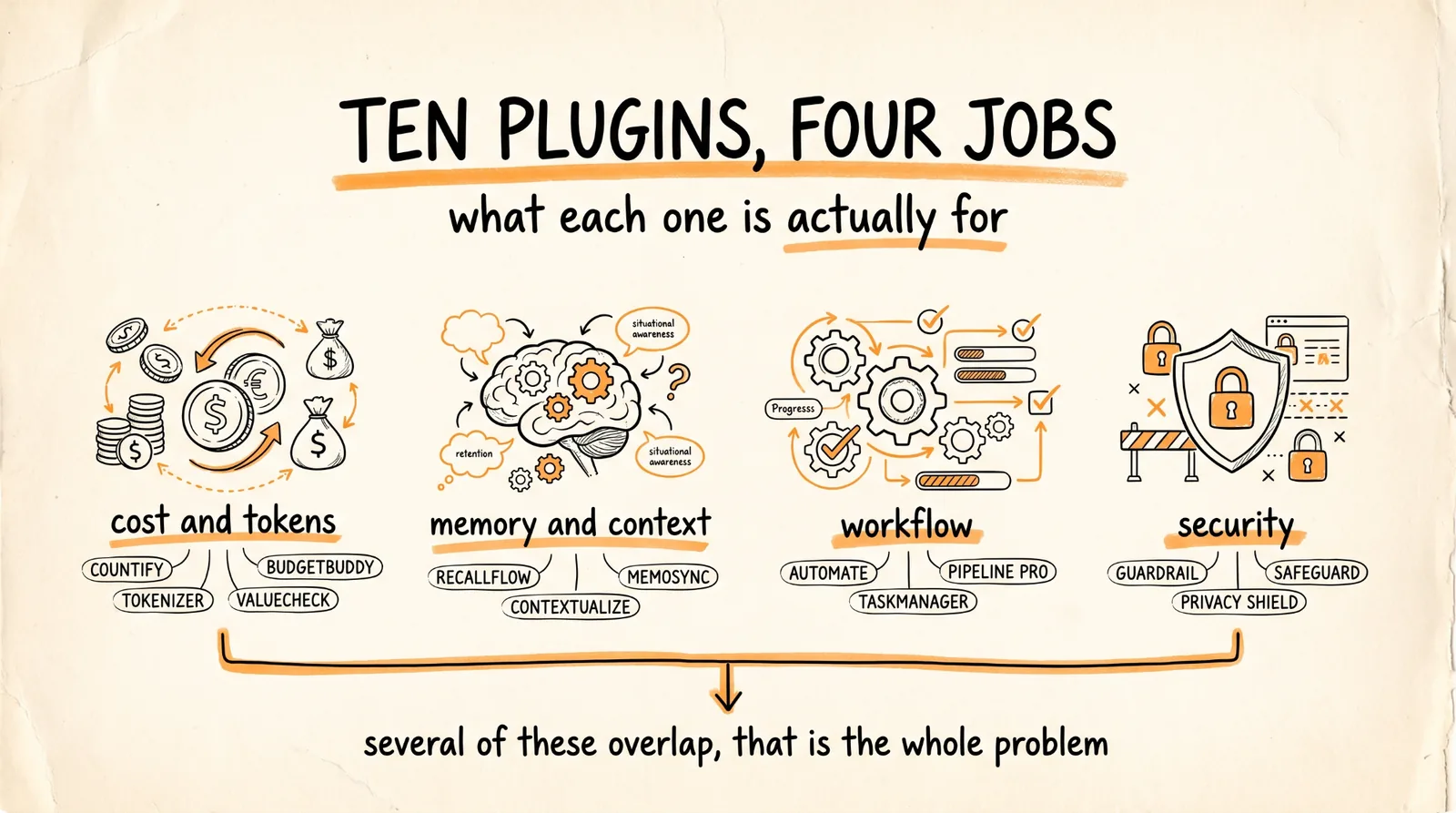
Ten plugins, what each one actually does, the install command, and the thing about installing them that nobody mentions until it breaks something.
Read the last section before you install anything. These plugins hook into the same session, several of them do overlapping jobs, and installing all ten in one afternoon is how you end up with a setup you cannot debug.
Don't want to figure this out alone? I walk members through every step inside the community. Join the Skool → skool.com/raycfu
How Installing Works
Most of these live in plugin marketplaces. The pattern is two commands, add the marketplace, then install the plugin from it:
claude plugin marketplace add owner/repo
claude plugin install plugin-name@marketplace-name
Some install with a single npx command instead. Restart Claude Code after any install, since plugins load at session start.
If you want to browse what exists rather than take my list, composio-community/awesome-claude-plugins is a curated index and worth a look.
1. OmniRoute, Unlimited Free AI Tokens
What it does: sits between Claude Code and every AI provider. When your Claude quota runs out mid-session, it automatically switches to the next available model so your session keeps going. Over 90 providers have free tiers, 11 are free forever with no card. It also compresses your prompts before they are sent, cutting token usage 15 to 95 percent, averaging around 89 percent on tool-heavy sessions.
npx omniroute@latest
That opens a dashboard where you connect providers and set your model to auto. Then launch Claude Code through it.
The honest version of "unlimited": you are not getting unlimited Claude, you are getting a session that does not die because something else takes over. Quality drops when you fall back to a free tier. A weaker model still working beats a great one that stopped 40 minutes ago.
2. Claude Mem, Persistent Memory
What it does: stops you re-explaining your project every session. Hooks capture what happens during your work, compile it into observations, and inject them into every new session and every spawned agent.
There is a Claude Code version and a separate Cowork version if you work in the native app.
Worth knowing before you install: it needs Bun to run its worker service, and uv for semantic search. Without uv it still works but search is degraded. Install those first or the setup will stall halfway.
Of the ten, this is the one with the biggest quality-of-life jump on day one, because the tax you are paying without it is invisible until it stops.
3. Headroom, Cut Your Token Costs
What it does: immediate token savings with no change to how you work. You install it and your usage drops.
This is the lowest-effort item on the list, which is exactly why it is worth doing early. Anything that saves money without asking you to change a habit is free.
4. Context Mode, 98 Percent Less Context Wasted
What it does: the headline feature is session continuity. It captures session events through hooks and rebuilds a structured Session Guide after context compaction, so Claude resumes from exactly where it left off rather than from a lossy summary. It also ships a "think in code" directive and tool-selection rules so Claude consistently picks the right tool instead of burning context exploring.
npx --yes --package=github:scottconverse/context-mode context-mode
It also ships permission rules out of the box, which means it changes what Claude is allowed to do in your sessions. Read those before you install rather than after.
5. Task Observer, AI Learns How You Work
What it does: watches how you actually work and writes observations to a folder, then proposes changes to your skills based on what it saw. You review the proposals and decide what becomes a permanent rule.
That last part is the design decision that makes it worth using. It proposes, you approve. An agent that silently rewrites its own rules is how you wake up with a setup you do not recognize.
Install this one later rather than first. It needs your existing skills and habits to observe before it has anything useful to say, so it does nothing for you in week one.
6. Claude Video, Claude Watches YouTube
What it does: gives Claude the ability to pull and analyze YouTube content, so you can point it at a tutorial and have it extract the actual method rather than guessing from a title.
This is the one I would verify yourself before installing, since I could not confirm a canonical repo for it while building this guide. If the exact plugin has moved or been renamed, the same capability is available through a YouTube transcript MCP plus the yt-analysis MCP server, which passes URLs straight to Gemini for real frame and audio analysis.
7. Skill-bus, Connects Your Skills Together
What it does: lets your skills talk to each other rather than each one operating in isolation, so a workflow can chain across several of them.
Same caveat as above, check the current repo before installing. The underlying idea is sound and increasingly important once you have more than a handful of skills, because the failure mode of a big skill library is that nothing composes.
8. Manifest, Real Time Cost Tracking
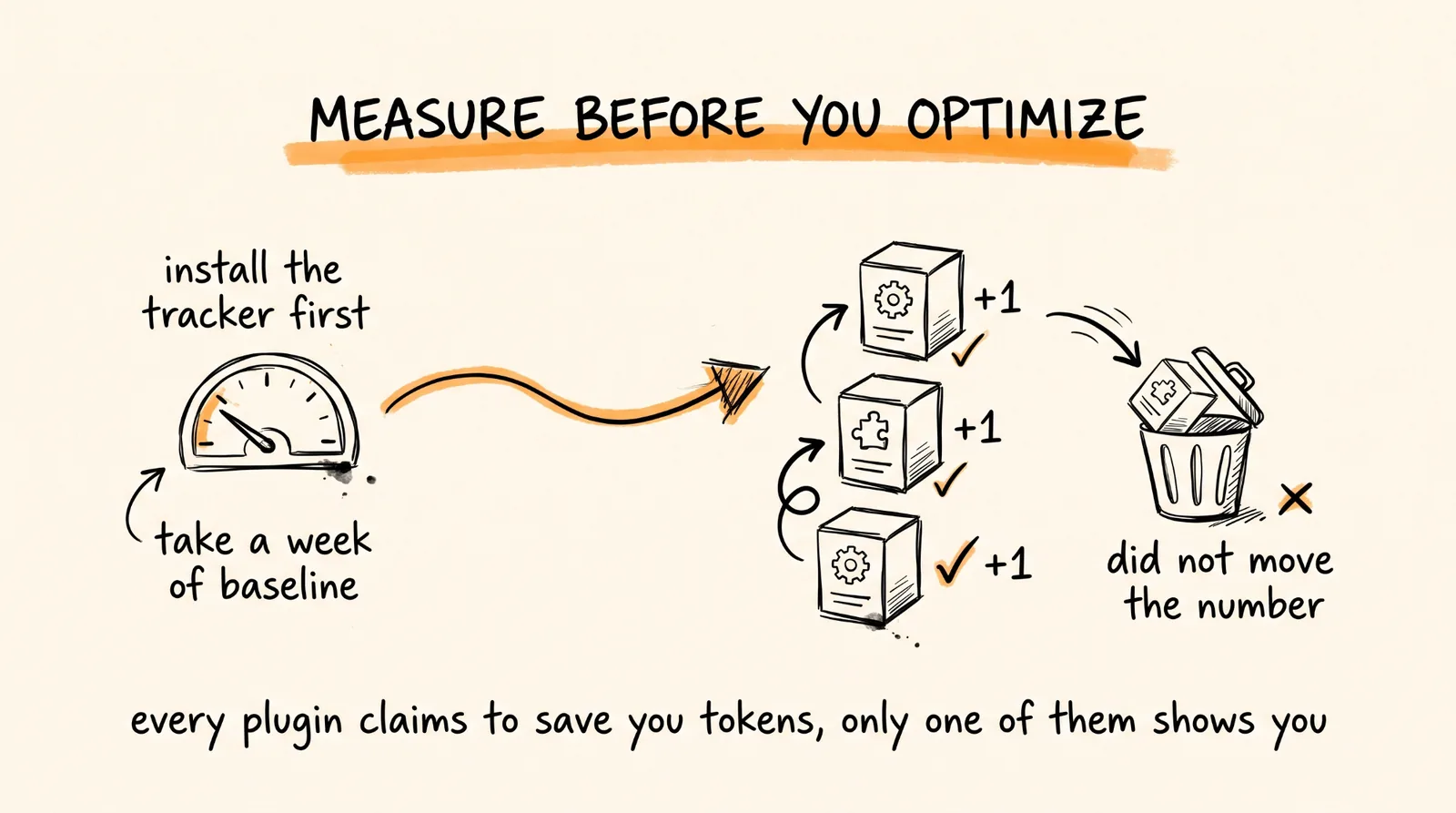
What it does: real-time cost observability. Tracks tokens, costs, messages, and model usage across 28 plus models, self-hosted with OTLP ingestion, and it ships a Claude Code skill that walks you through setup.
Install this second, right after whatever you install first.
The reason: every other plugin on this list claims to save you tokens, and you have no way to evaluate any of those claims without measurement. Install Manifest early, take a baseline for a week, and then every optimization plugin you add becomes a number instead of a vibe.
9. Caveman, Short Outputs
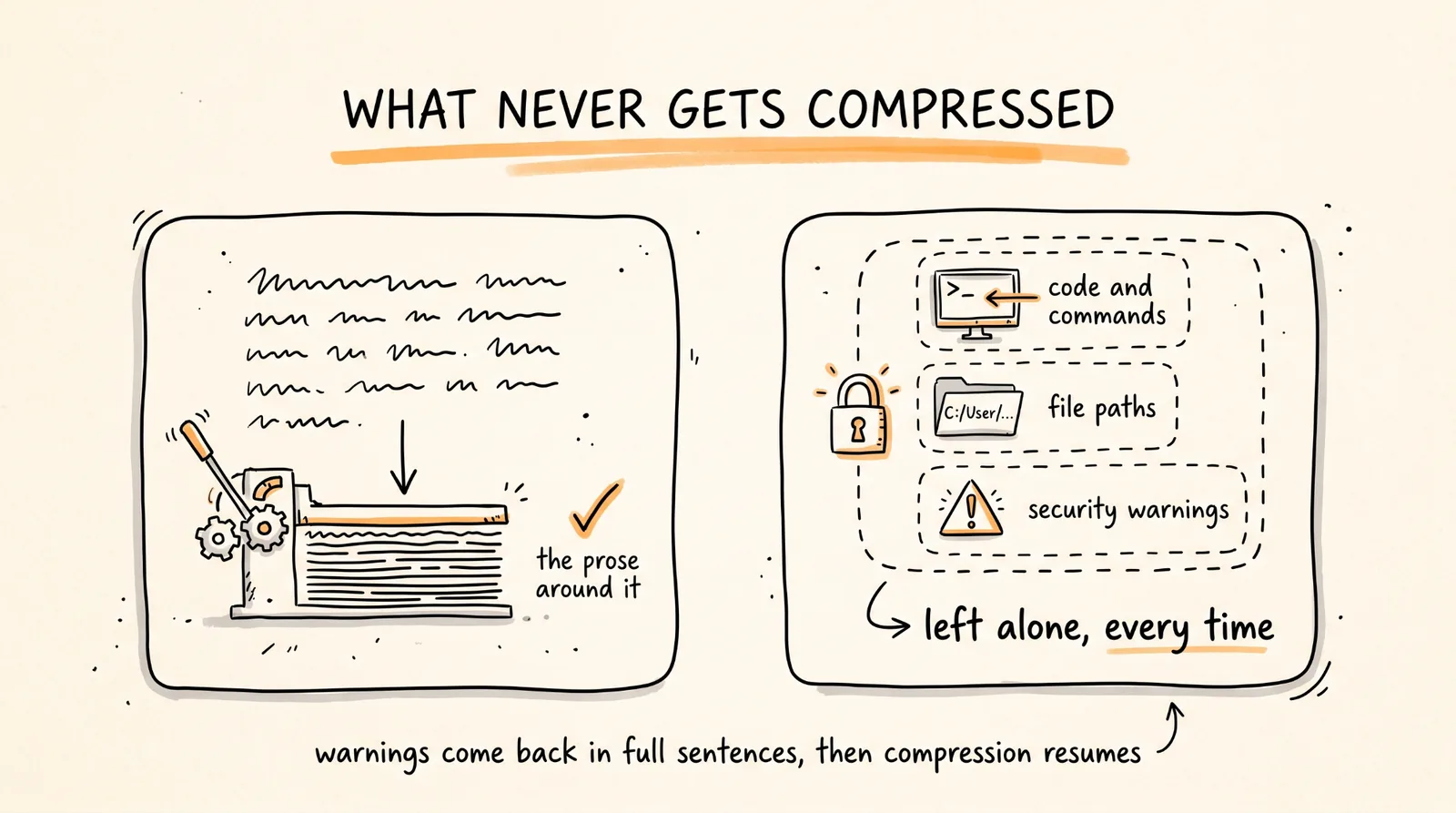
What it does: compresses Claude's prose output by roughly 60 to 75 percent by dropping filler, articles, hedging, and pleasantries, while keeping technical accuracy intact.
claude plugin marketplace add JuliusBrussee/caveman
claude plugin install caveman@caveman
Six intensity levels from lite, which just removes hedging, through full and ultra, up to wenyan modes that use classical Chinese patterns for maximum compression.
Three things make this smarter than it sounds. Code, commands, file paths, and exact error messages are never compressed, only the prose around them. Security warnings and destructive-operation confirmations automatically come back as full sentences, then compression resumes, because clarity matters more than brevity exactly there. And it makes zero network calls, with no telemetry or accounts.
There is also /caveman-compress, which compresses your CLAUDE.md and memory files to cut input tokens, which is a separate saving from the output compression.
10. Security Sweep, Catches Vulnerabilities
What it does: a comprehensive scanner covering OWASP Top 10 (2025), Mobile Top 10 (2024), and the LLM Top 10 (2025). It looks for hardcoded secrets, injection flaws, auth issues, misconfigurations, and AI-specific vulnerabilities.
That LLM Top 10 coverage is the part worth noting. Most security scanners were written before prompt injection and insecure agent output were categories, and if you are shipping anything with an AI feature in it, that is exactly where your new vulnerabilities are.
The Part That Will Save You a Bad Week
Here is what nobody covering plugin lists says.
Several of these do overlapping jobs. OmniRoute compresses prompts. Caveman compresses output. Headroom cuts tokens. Context Mode manages context. Claude Mem injects memory into every session. All five are touching the same thing from different angles, and stacking all of them at once means you cannot tell which one is responsible when something behaves strangely, or which one is actually earning its place.
They also all install hooks, and hooks run automatically on every action. That is the power and it is also why you read what you are installing.
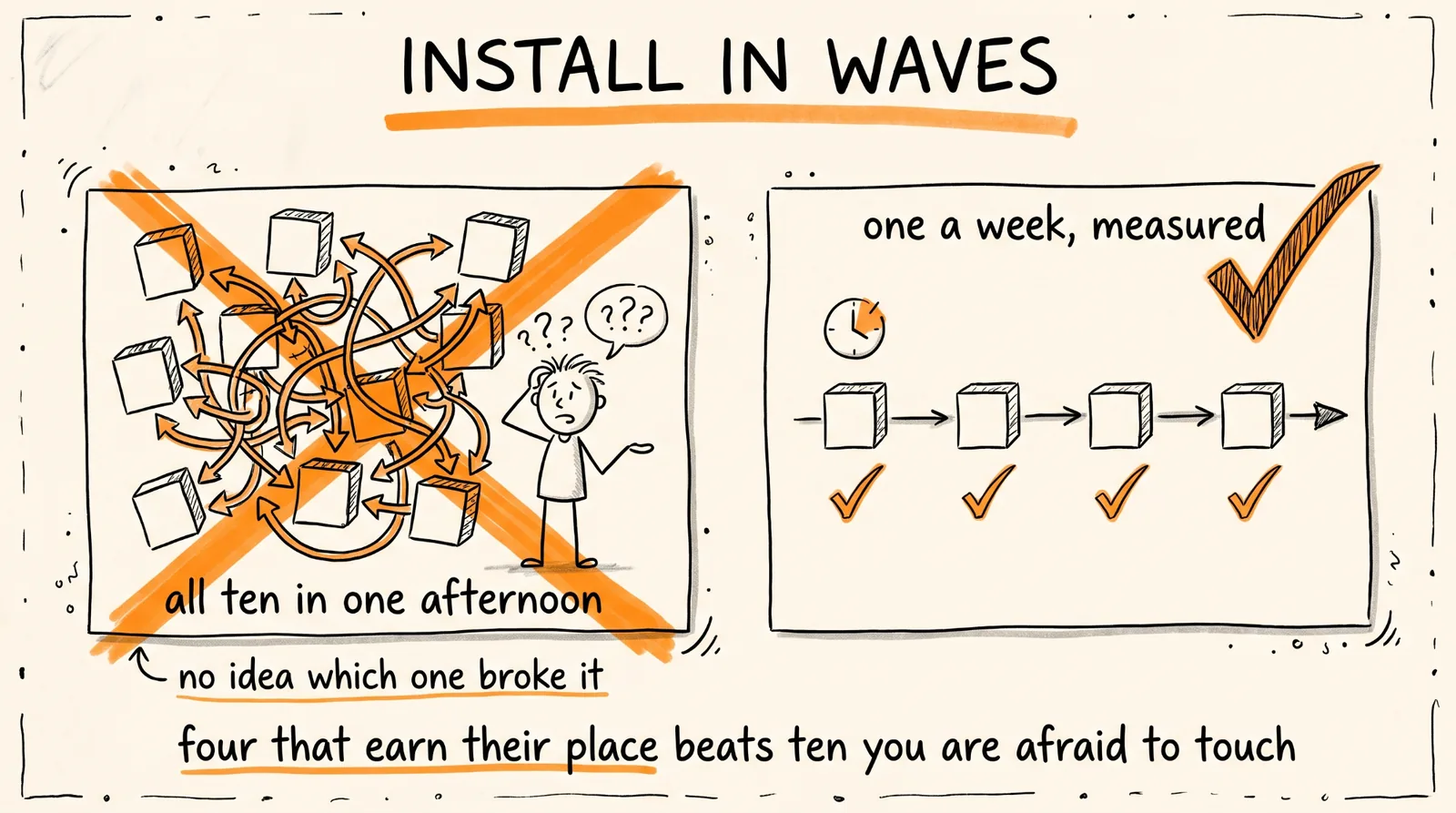
So install in waves, not in one afternoon.
Week one, install Manifest and take a baseline. You need the measurement before the optimizations.
Week two, add the one thing that solves a problem you actually have right now. Burning through quota means OmniRoute. Re-explaining your project every morning means Claude Mem. Losing the thread after compaction means Context Mode. Bills too high means Headroom or Caveman.
Week three, check Manifest and see whether the numbers moved. If they did not, uninstall it. A plugin that does not show up in your cost data is a hook running on every action for no reason.
Then repeat. One at a time, measured, with a week between each. You will end up with four or five that genuinely earn their place, which is a better setup than ten you are afraid to touch.
And run a security scan after each install. Every one of these executes code on your machine with your permissions.
The Recap
Install Manifest first and get a baseline, because every other claim on this list is unverifiable without it. Then add plugins one at a time in the order your actual problems demand: OmniRoute for quota, Claude Mem for context, Headroom and Caveman for cost, Context Mode for continuity after compaction, Task Observer once you have habits worth observing, and Security Sweep on anything you ship.
Check Manifest after each one. Keep what moves the number. Uninstall what does not.
Don't want to figure this out alone? I walk members through every step inside the community. Join the Skool → skool.com/raycfu