
How to Run Claude Code with Unlimited Tokens
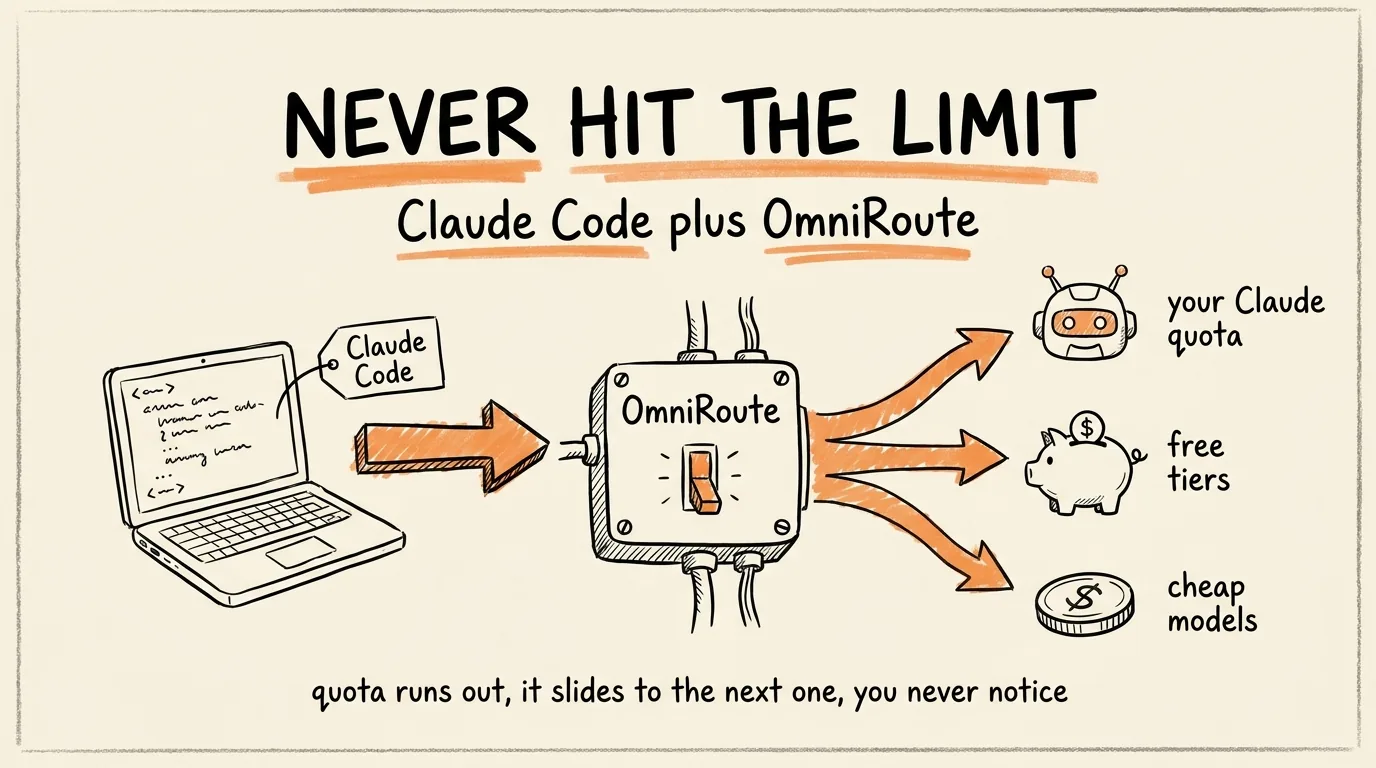
You are going to install a free tool called OmniRoute that sits between Claude Code and every AI provider out there. When your Claude limit runs out, it switches you to another model in milliseconds and your session keeps going. And it compresses your prompts before they are sent, so you burn a fraction of the tokens you normally would.
It is free, open source, and takes about 10 minutes to set up. No coding required, you are just pasting commands.
Don't want to figure this out alone? I walk members through every step inside the community. Join the Skool → skool.com/raycfu
What It Actually Does
Two things, and the second one is the part that surprised me.
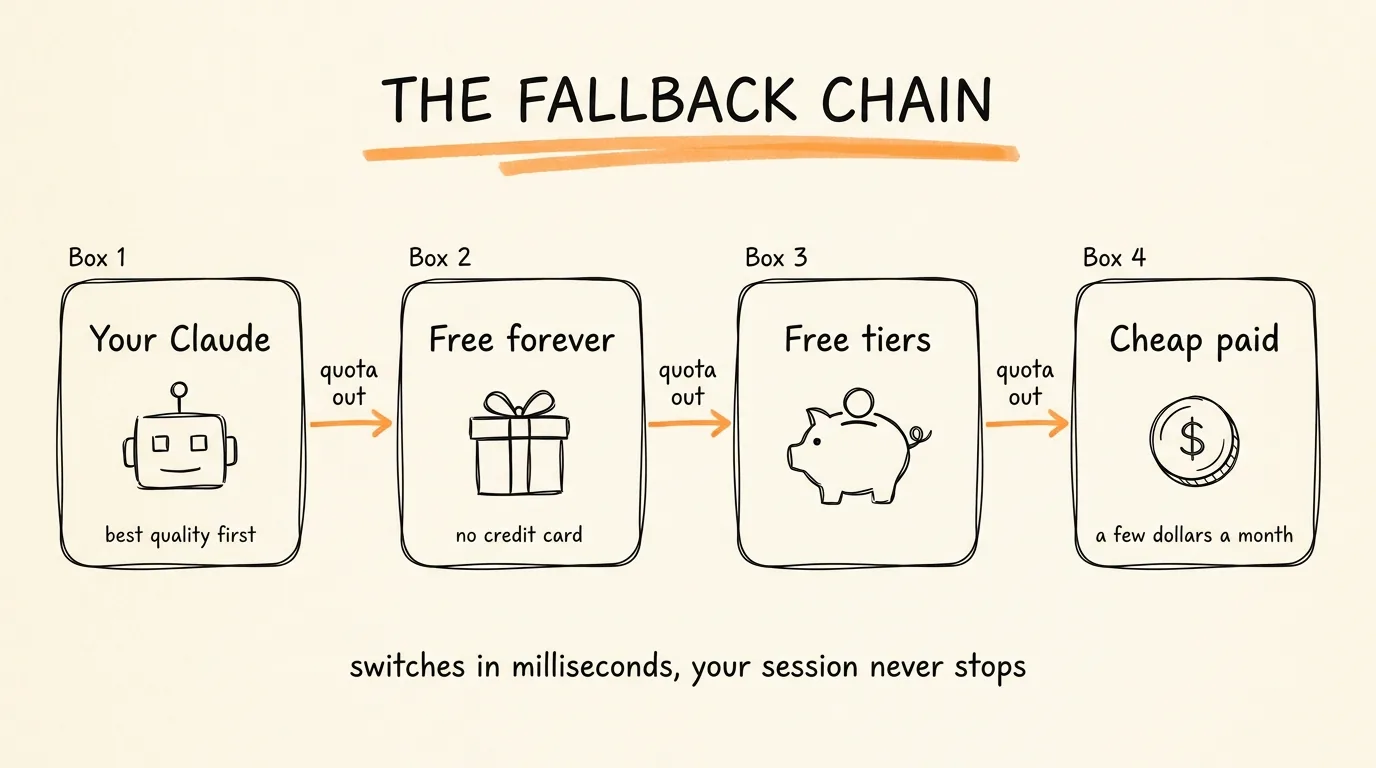
First, auto-fallback. OmniRoute knows about hundreds of AI providers. Over 90 of them have free tiers and 11 are free forever with no credit card. When your Claude quota runs out mid-session, OmniRoute silently slides to the next available model and you keep working. No error, no waiting for your limit to reset, no lost train of thought.
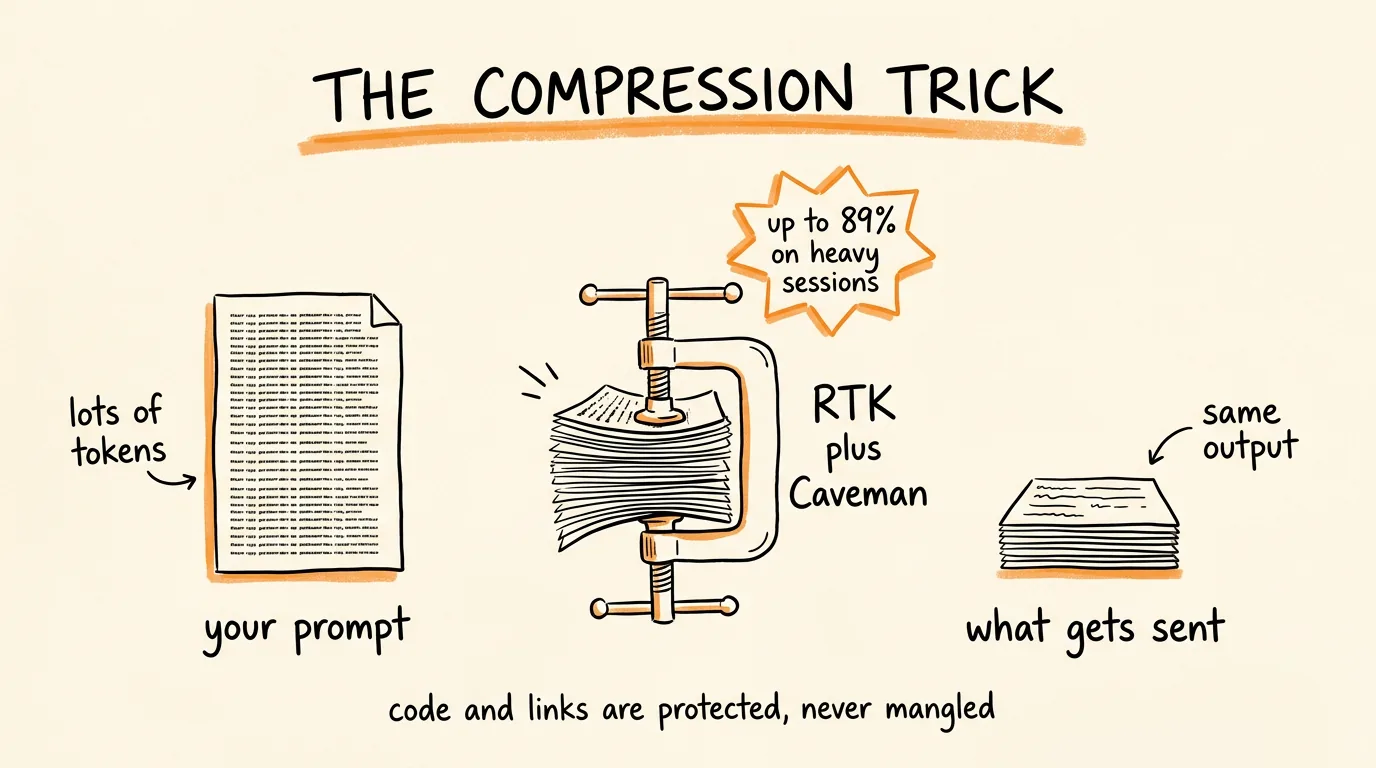
Second, compression. Before your prompt goes to the model, OmniRoute shrinks it using two compression methods called RTK and Caveman. It cuts token usage by 15 to 95 percent, and on tool-heavy sessions, the kind where the AI is reading files and running commands constantly, the average saving is about 89 percent. Your code blocks, URLs, and structured data are protected and never mangled. So even when you are using a paid model, you are spending a fraction of what you normally would.
What You Need
Node.js installed on your computer, that is it. If you already use Claude Code you already have it. If you are not sure, open your terminal and type:
node --version
If you get a version number back, you are ready. If not, download it from nodejs.org, click through the installer, done.
Step 1: Install OmniRoute
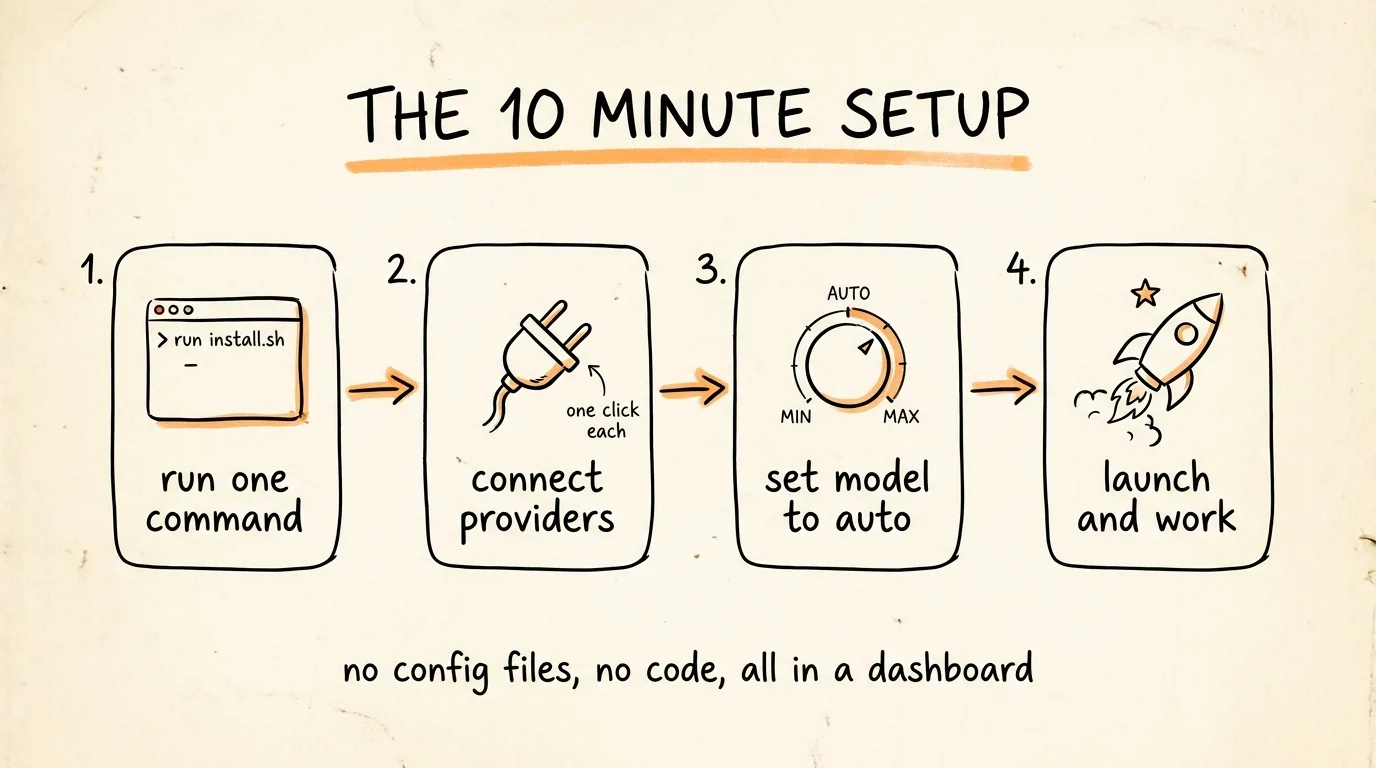
Open your terminal and run:
npx omniroute@latest
That command downloads and starts OmniRoute. The first run walks you through a short setup and then opens a dashboard in your browser at localhost:20128. That dashboard is where everything else happens, no config files, no editing code.
Step 2: Connect Your Providers
In the dashboard, go to Providers. This is the list of every AI service OmniRoute can route to, and connecting one is usually a single click and a login.
Start with these three:
Connect Claude Code first, using the OAuth login button. This lets OmniRoute use your existing Claude subscription as the primary, and it tracks your remaining quota so it knows exactly when to switch you.
Then connect 2 or 3 free providers as your backups. Look for the ones marked free forever, no credit card. These are the ones that catch you when Claude runs out.
Add a cheap paid provider last if you want a quality safety net below your free ones, something like GLM or DeepSeek where a whole month of heavy use costs a few dollars.
The order matters: OmniRoute tries your subscription first, then your free tiers, then anything cheap you added. You always get the best model you have access to at that moment.
Step 3: Set Your Model to Auto
Still in the dashboard, set your model to auto.
That single setting is what makes this work. Instead of you building a fallback chain by hand, OmniRoute builds one automatically from everything you connected, scores them live on availability and cost, and picks the best one for every request. Quota runs out, a provider goes down, or the cost spikes, and it slides to the next one in milliseconds without telling you to do anything.
Step 4: Point Claude Code at It
This is the last step and it is one command:
omniroute launch
That launches Claude Code already connected to OmniRoute. Nothing about how you use Claude Code changes, same commands, same workflow, it just no longer stops when you hit a limit.
If you want to check it is working, look at the dashboard while you work. You will see live requests coming through, which provider handled each one, and how many tokens the compression saved on each request. Watching that savings number is genuinely satisfying.
One troubleshooting note, because it is the one thing people hit: Claude Code only reads its settings when it starts up. So if something is not routing, fully close Claude Code and start it again with omniroute launch.
What to Expect Day to Day
Your sessions stop having a ceiling. You work on Claude until your quota is gone, and then you keep working on the next best model without noticing the handoff. The output quality does dip when you fall back to a free tier, that is honest, a free model is not Claude. But a slightly weaker model that keeps working beats a great model that stopped 40 minutes ago.
On compression, watch your dashboard for the first week. Simple chat prompts save less, and long tool-heavy sessions where the AI reads a lot of files save the most. That 89 percent figure comes from those heavy sessions, which happen to be exactly the sessions that used to burn through your limit.
Three Things to Know Before You Run It
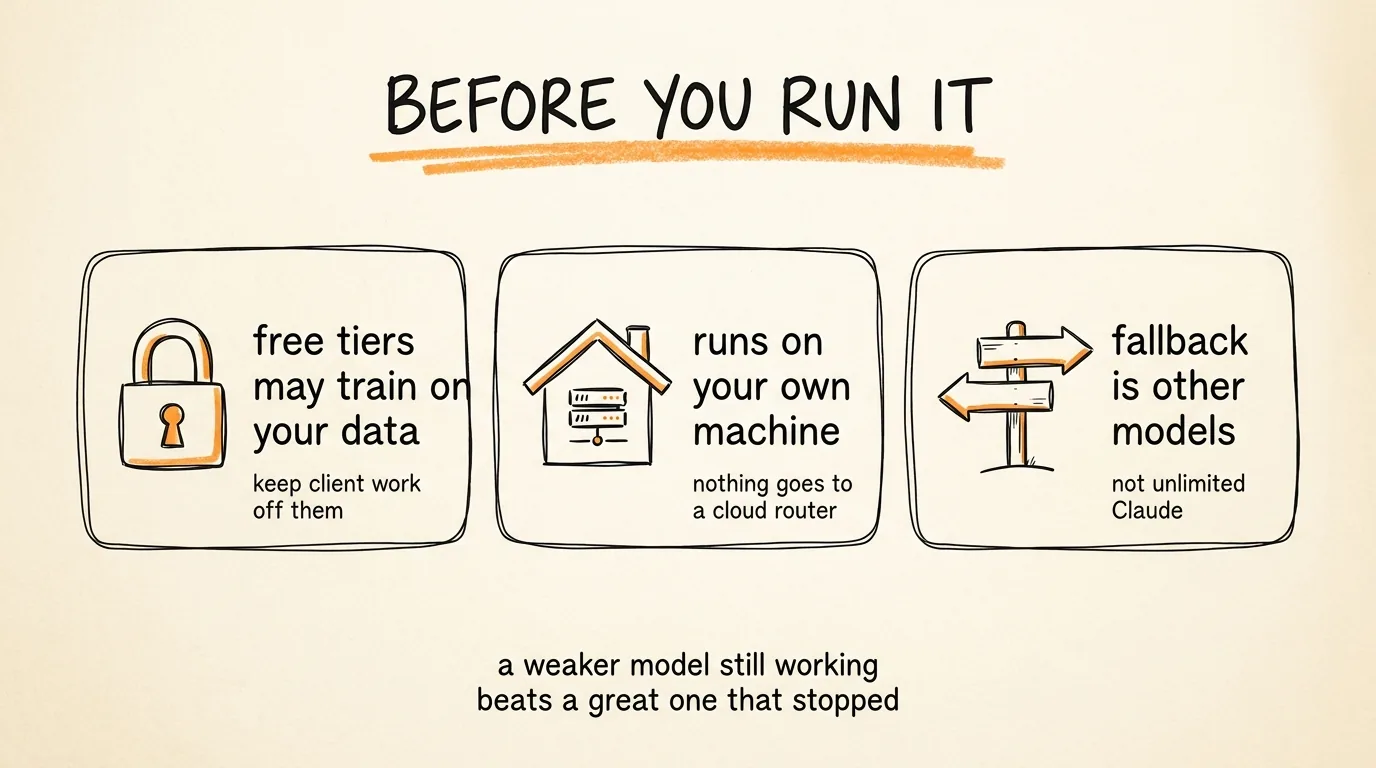
Free tiers are free for a reason. Many free providers train on the data you send them. So do not point this at client code, proprietary work, or anything with credentials in it. Use free fallbacks for personal projects and learning, and keep the paid providers connected for work that matters.
It runs on your own machine. OmniRoute is local, everything goes through localhost on your computer, not through some company's cloud router. That is a real privacy advantage over hosted routers, and it is why this one is worth using over the alternatives.
The fallback is other models, not more Claude. To be clear about what "unlimited" means here, you are not getting unlimited Claude, you are getting a session that never dies because something else takes over. That is still the fix for the actual problem, which is being stopped mid-thought.
The 10 Minute Recap
Check Node is installed. Run npx omniroute@latest. Connect Claude Code plus 2 or 3 free providers in the dashboard. Set your model to auto. Run omniroute launch. Then go work, and stop thinking about limits.
Don't want to figure this out alone? I walk members through every step inside the community. Join the Skool → skool.com/raycfu