
The $35K Motion Website Playbook with Claude Fable and Higgsfield
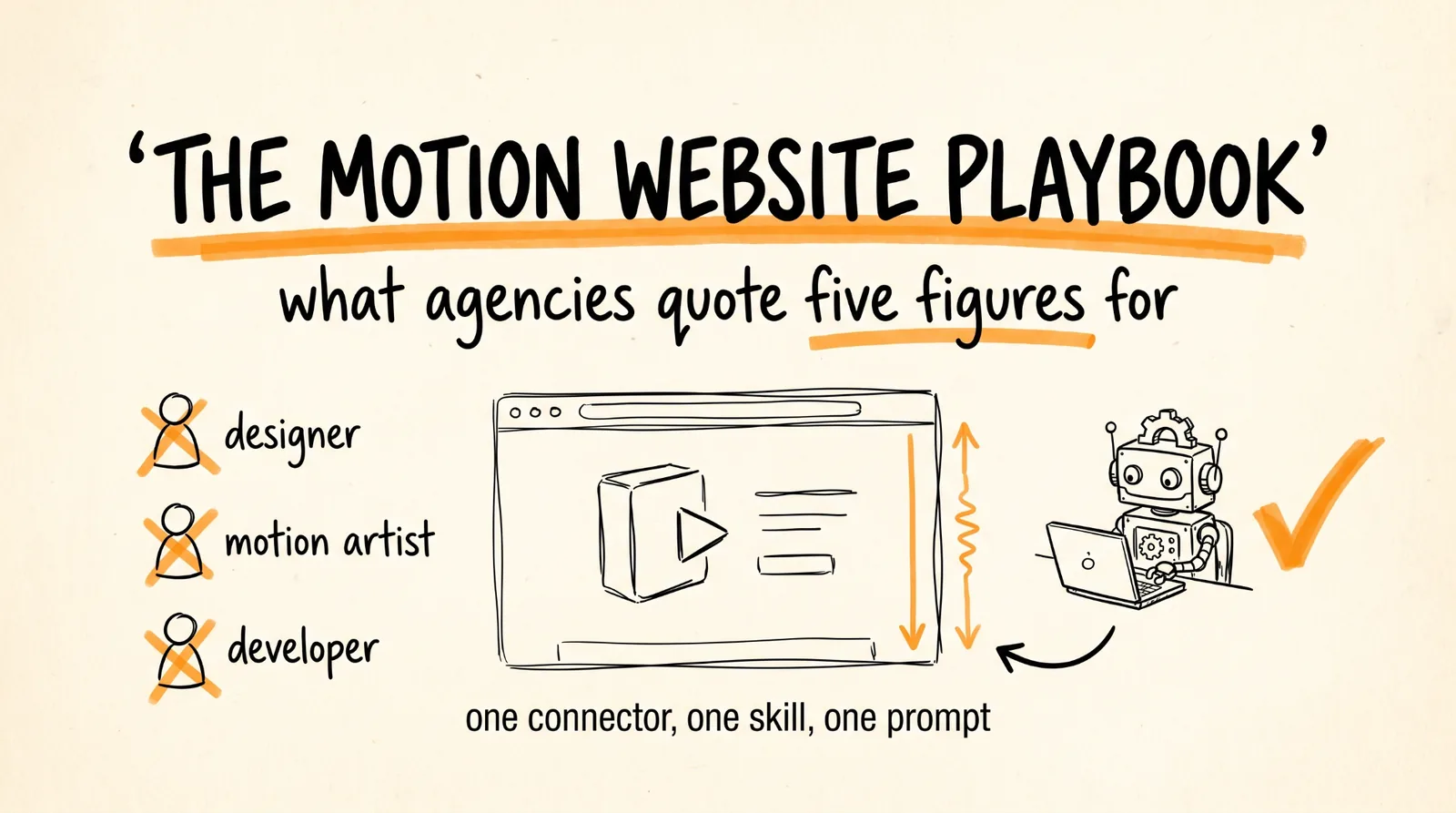
This is the full guide from the video. You are going to build custom animated websites, the kind with scroll animations and motion everywhere, that agencies quote $10,000 to $35,000 for. One connector, one skill, one prompt, and Claude generates the motion clips, extracts the frames, writes the scroll code, and assembles the site.
Then you sell it, and the selling part is a portfolio, not a pitch.
Don't want to figure this out alone? I walk members through every step inside the community. Join the Skool → skool.com/raycfu
Why This Work Is Expensive
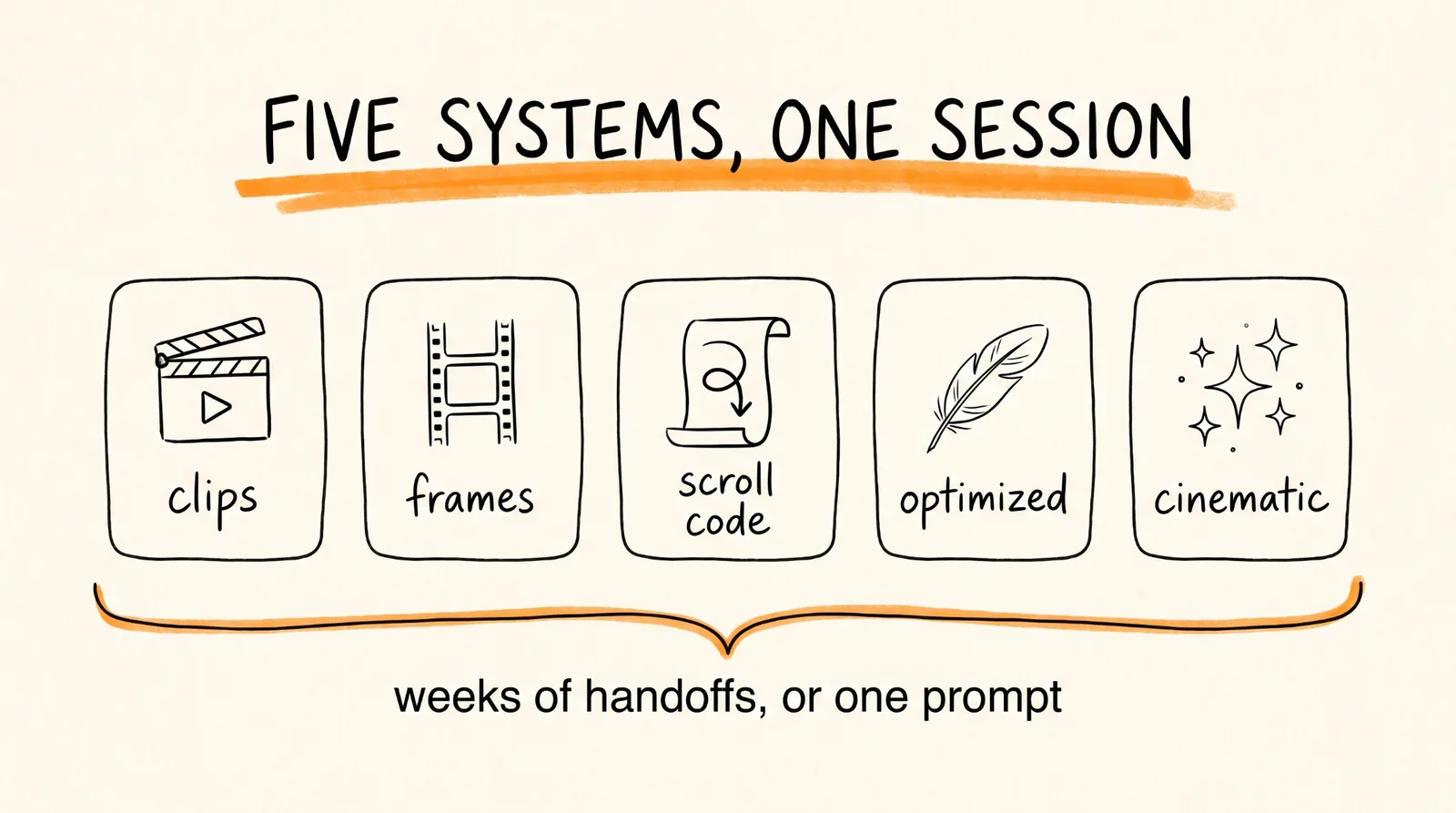
A custom animated site normally takes three people. A designer for the look, a motion artist for the animation, and a developer to make it run on scroll. Weeks of handoffs between them, and that pipeline is what the invoice is actually paying for.
Underneath, a scroll-driven site is coordinating four or five separate technical systems: GSAP ScrollTrigger for the scroll behavior, Lenis for smooth scrolling, frame extraction to turn animation into images the browser can flip through, asset optimization so the page still loads, and the layout itself. Any one of those going wrong makes the site feel broken.
That coordination is the moat. It is also exactly what an agentic session is good at, which is why this is now a one-person job.
Step 1: Connect Higgsfield to Claude
In Claude, open Settings, go to Connectors, click add custom connector, and paste in the Higgsfield MCP URL:
https://mcp.higgsfield.ai/mcp
Log in when it prompts you. That connector is what replaces hiring a motion artist, it gives Claude direct access to Higgsfield's generation models, so Claude produces the motion itself instead of you commissioning it.
Test it before building anything. Ask Claude: "Using Higgsfield, generate one 4 second clip of a smartphone slowly rotating on a seamless white background with soft studio lighting." If a clip comes back, you are connected.
Step 2: Load the Skill and the Brand Kit
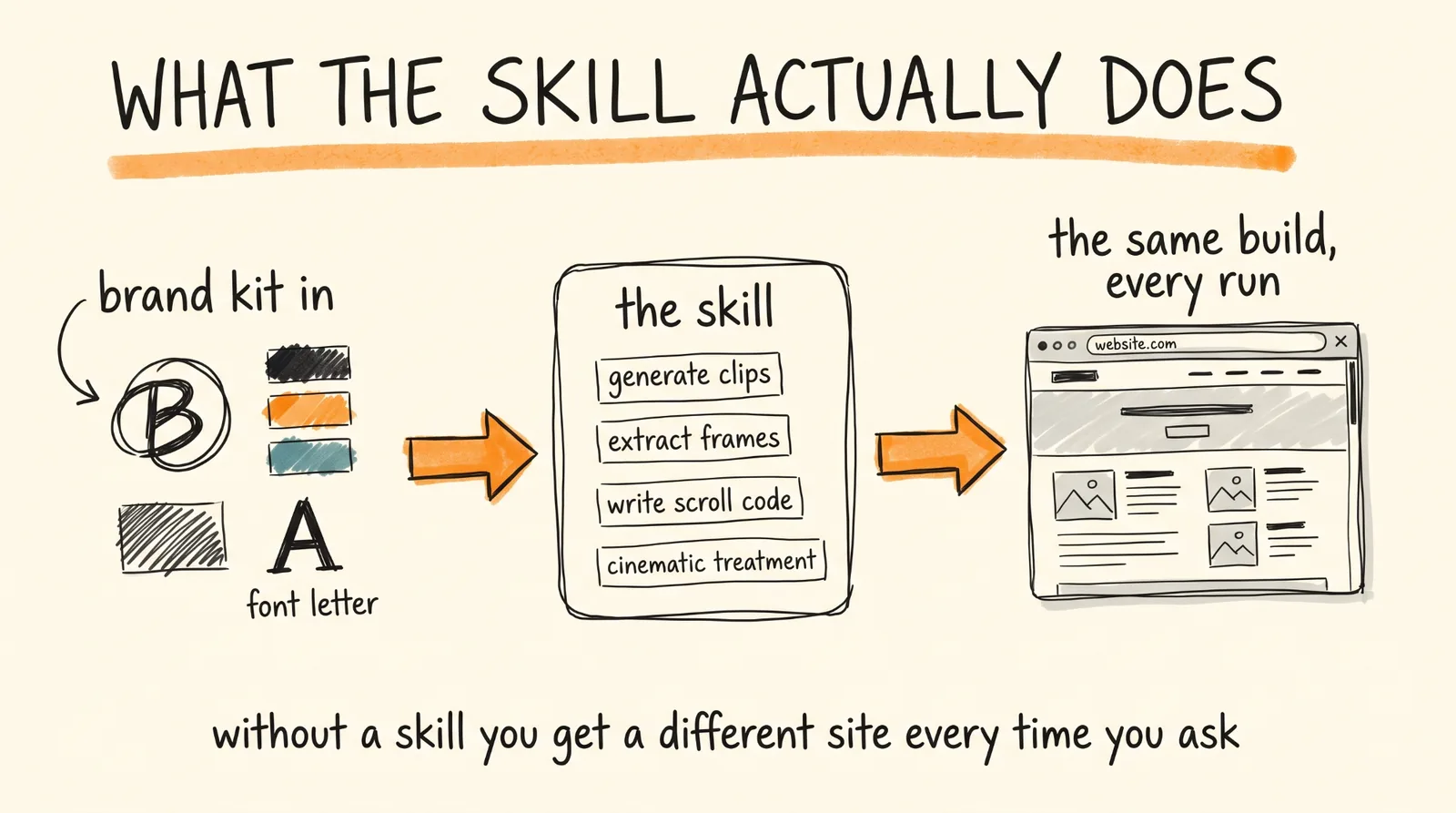
Load the Higgsfield Motion Website Generator skill. This matters more than it sounds. Without a skill, every run is a fresh interpretation of what you asked for, and you get a different structure each time. The skill is the recipe, it fixes the build steps so the output is consistent on run one and run fifty, which is the only way this becomes a repeatable business rather than a lucky demo.
Then drop in the client's material. The more specific this is, the less you fix afterward:
Here is the brand kit for this build.
Company: [NAME], [what they sell, in one sentence]
Their customer: [who buys, and what makes them hesitate]
Logo: [attach]
Colors: [hex codes, and which is primary]
Fonts: [names, or attach files]
The one thing the site must make someone do: [book a demo, buy, join the list]
Tone: [three adjectives, and one brand whose site they admire]
The hero moment: [the single product or idea the animation should show]
That last line is the one people skip and it is the most important. An animation of the thing being sold converts. An abstract shape morphing for no reason is decoration, and decoration is what makes a site feel expensive without making it sell.
Step 3: Build the Site in One Session
Now the build prompt. With the skill loaded and the brand kit in, paste:
Using the Motion Website Generator skill and the brand kit above, build a complete scroll-driven motion website for [COMPANY].
Generate the motion clips for the hero sequence with Higgsfield, showing [THE HERO MOMENT]. Keep each clip between 3 and 6 seconds.
Extract every frame from the clips and optimize them for web, resized to 1600 pixels wide and converted to WebP, and tell me the total weight of the frame folder when you are done.
Build the site with GSAP ScrollTrigger driving a pinned canvas that plays the frame sequence as the visitor scrolls, and Lenis for smooth scrolling. Preload the frames with a loading state and only start the animation once preloading is complete.
Apply cinematic treatment: subtle film grain, a soft vignette, glass cards for the content sections over the animation, and a color tint pulled from the brand's primary color.
Structure the page as: hero with the scroll animation, then [SECTION], then [SECTION], then the call to action.
On screens under 768 pixels wide, or when the visitor has reduced motion enabled, skip the pinned animation and show a single static hero frame instead.
Give me the finished site as files I can deploy, with the copy and colors in clearly marked variables at the top so I can change them without touching the animation code.
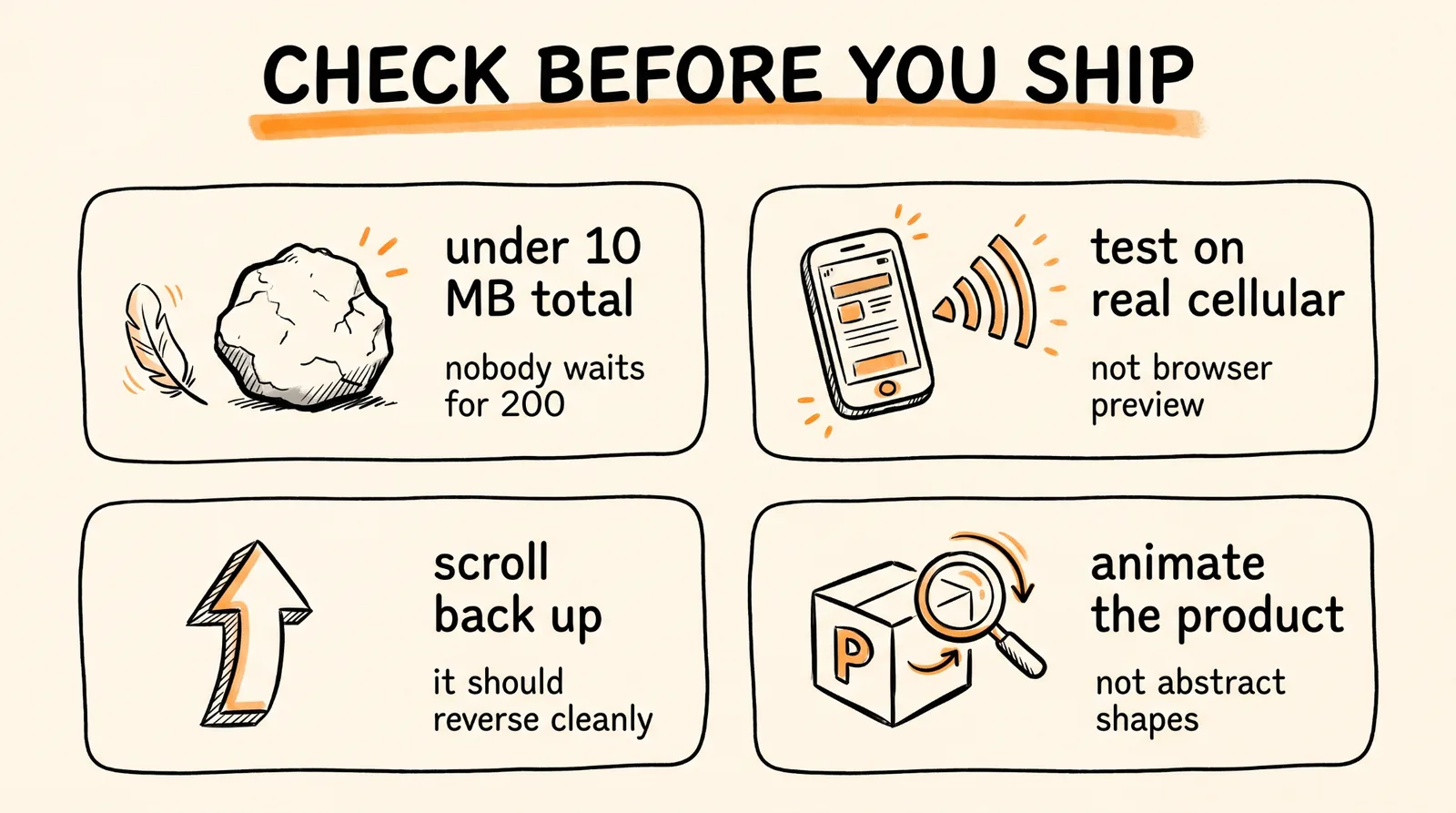
Two lines in there are doing quiet but critical work. The mobile fallback, because preloading a full frame sequence over cellular is how a site that dazzles on your laptop is broken for half its visitors. And the frame weight report, because the single most common way these sites fail is a 200 megabyte hero nobody waits for. Keep the whole sequence under about 10 megabytes.
Then check three things before it goes anywhere: load it on a real phone on real data, scroll back up to confirm the animation reverses cleanly, and watch the middle of the animation for warping, since scroll is slower than playback and visitors spend the longest looking exactly there.
Step 4: Lead with a Portfolio, Not a Pitch
This is the part that decides whether you make money or just make websites.
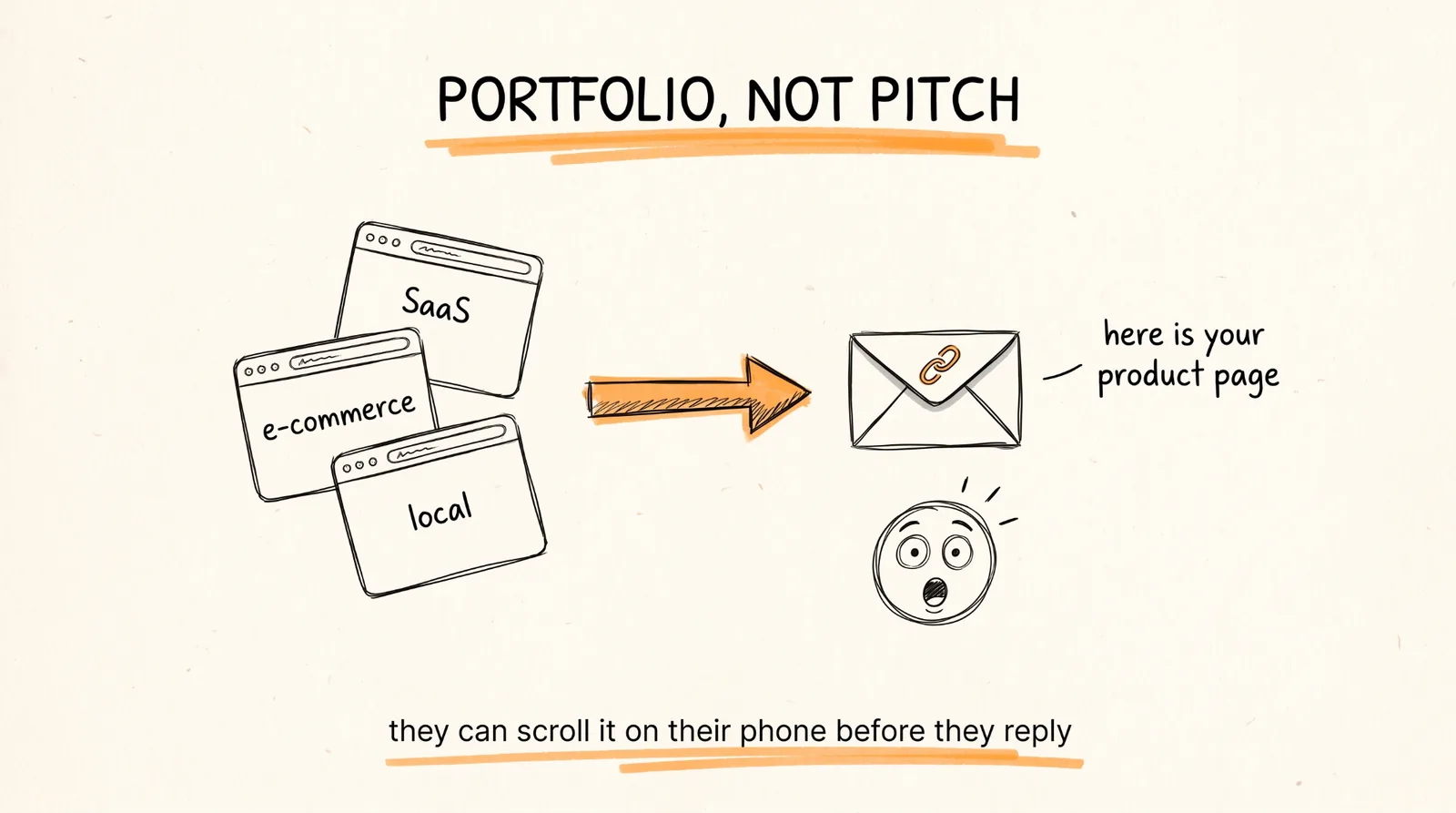
Build three live demo sites before you contact anyone. One SaaS, one e-commerce, one local business. Host them so each is a link, not a description. Nobody buys "I can build animated sites." Everybody understands "here is what your product page could look like," attached to something they can scroll on their phone right now.
Where the buyers are: Shopify and Amazon sellers with one hero product and a flat product page, Kickstarter campaigns that need to look funded and serious, and SaaS companies whose landing page is a screenshot and a paragraph.
Why the animation earns its price, in numbers you can put in an email. Websites with video convert at around 4.8 percent versus 2.9 percent without, roughly a 65 percent lift. Landing pages with embedded video convert up to 86 percent higher than text-only versions. And when people are asked how they would most like to learn about a product, 63 percent choose a short video, well ahead of reading an article at 12 percent. A scroll animation is that video, except it is the whole page and nobody has to press play.
The outreach is one line. "I built a version of your product page with a scroll animation, here it is, takes a day to go live if you want it." You are not pitching, you are handing over finished work.
Step 5: Price It and Repeat It
Price by scope, and give three options.
The hero section alone, one scroll animation built into their existing page, $2,500 to $4,000. The full landing page built around the animation, $6,000 to $9,000, which is where the $8K to $10K deals live. And the full site with multiple animated sections, $12,000 and up, which is where you start meeting agency quotes and undercutting them on time instead of price.
Here is the part that makes it a business rather than a series of jobs: the second site is far faster than the first, because the code is the same file. New frames, new colors, new copy, same animation engine. You are not rebuilding, you are reskinning, and your delivery time drops from days to hours while the price stays where it is.
Three of the mid-tier deals a year is real money for something you can build between other work. Ten of them is an agency.
The Mistakes That Kill This
Too many frames. 90 to 150 frames is plenty for a 3 to 5 second animation. More frames is not smoother, it is heavier, and at scroll speed nobody can tell.
Skipping the preload. Frames loading as someone scrolls means a stuttering animation, which reads as a broken website, which is worse than no animation at all.
Ignoring mobile. Test on an actual phone on actual cellular data, not your browser's mobile preview.
Animating decoration instead of the product. The animation should show the thing the customer is buying. If it does not, you built an expensive screensaver.
Selling the technique instead of the outcome. Nobody is buying GSAP. They are buying a product page that makes people stop scrolling, and the demo link is what proves it.
The Recap
Connect the Higgsfield MCP to Claude. Load the Motion Website Generator skill so every build comes out consistent. Feed it the brand kit and name the hero moment. Run the build prompt and get a complete scroll site with generated clips, extracted frames, scroll code, and cinematic treatment. Then build three demos, send live links to businesses with flat product pages, and price the full landing page in the mid five figures.
Don't want to figure this out alone? I walk members through every step inside the community. Join the Skool → skool.com/raycfu