
6 Open Source Repos That Make Claude 10x Better
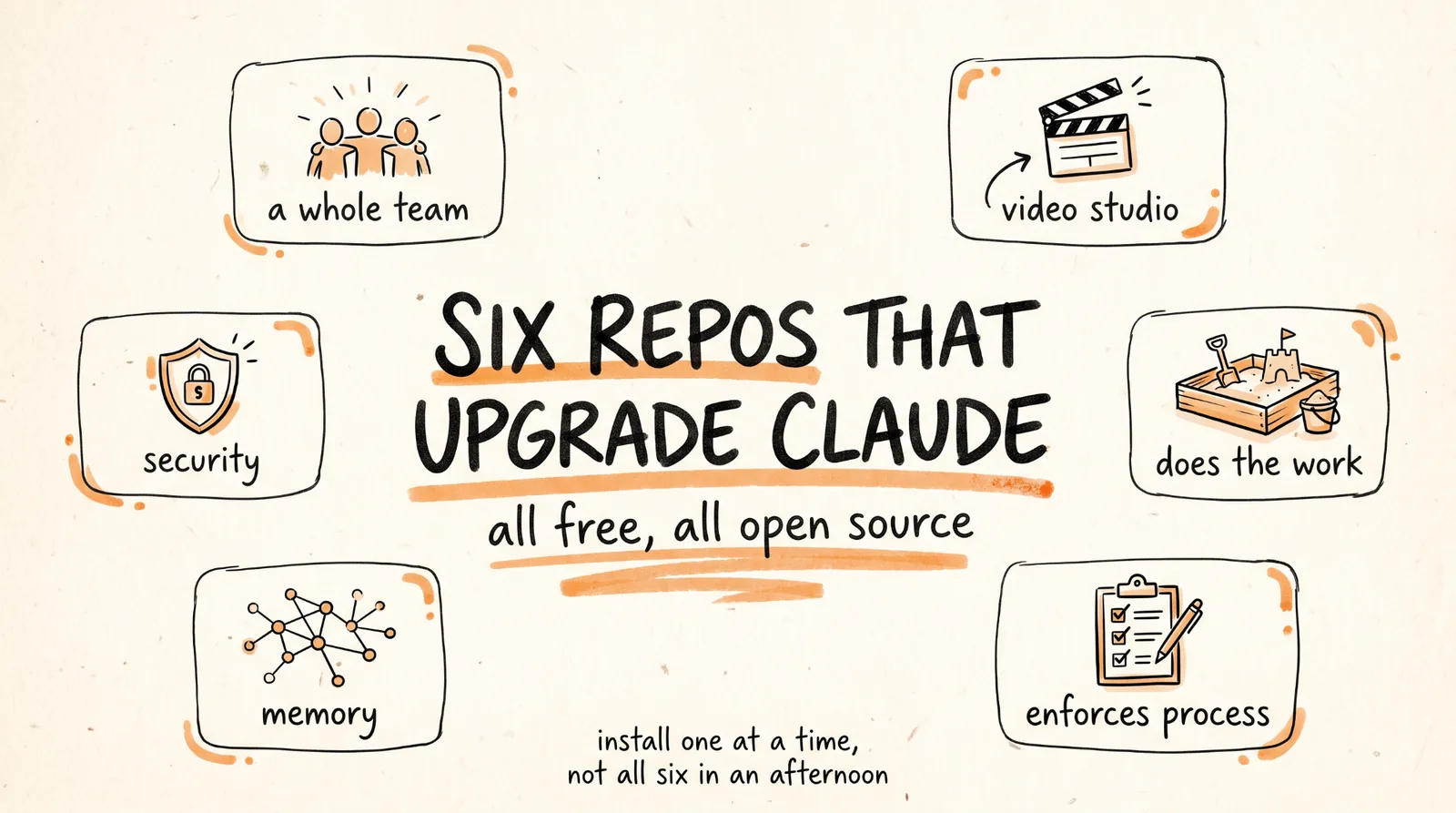
This is the full guide from the video. Six free repos that turn Claude Code from a smart assistant into something closer to a whole team, with what each one actually does, how to install it, and the catch nobody mentions.
Don't want to figure this out alone? I walk members through every step inside the community. Join the Skool → skool.com/raycfu
1. gstack, the Virtual Engineering Team
github.com/garrytan/gstack
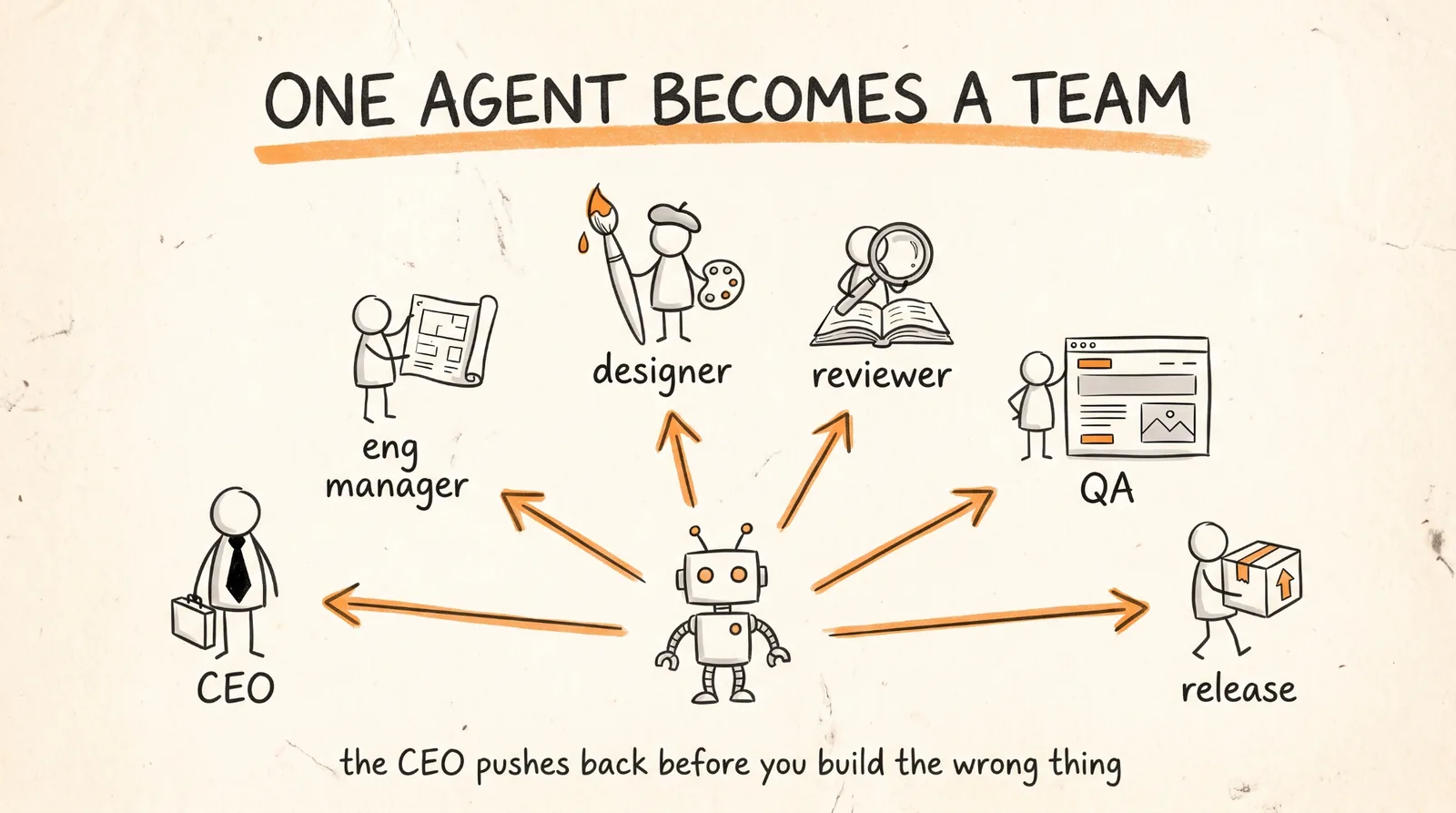
Garry Tan, the CEO of Y Combinator, open sourced his personal Claude Code setup and it passed 89,000 stars in under two months. It is 23 opinionated skills that give Claude structured roles: a CEO who rethinks your product before you build the wrong thing, an engineering manager who locks architecture, a designer who catches AI slop, a reviewer who hunts production bugs, a QA lead who opens a real browser, a security officer who runs OWASP and STRIDE audits, and a release engineer who ships the PR.
Each one is a slash command. Start with /office-hours, which reframes your product idea before you write any code, because the most expensive bug is the feature nobody wanted.
It is MIT licensed and works with Claude Code plus nine other coding agents. There is also a companion repo, gbrain, that gives your agents persistent memory between sessions.
The catch: gstack is one person's development philosophy expressed as software, and it is opinionated on purpose. It assumes you can articulate what your product is, and it expects real setup in your CLAUDE.md. If you are on a team that already has a designer and a QA lead, most of it is redundant. If you are solo, that is the entire point.
2. OpenMontage, the Video Production Studio
github.com/calesthio/OpenMontage
This turns your coding agent into a full video production system. 12 production pipelines, over 100 tools, and 700+ skill and production-knowledge files. You describe the video, and it researches the topic, writes the script, generates or sources the visuals, adds narration and music, and renders a finished file.
It also does reference-based production: point it at a YouTube Short you like and it will tell you what it is keeping (pacing, hook style, structure), what it is changing, and what it will cost at your target length before it generates a single asset.
Two things that make it usable rather than a money pit. It ships budget governance, with a default $10 cap and an approval threshold on individual actions, plus a decision log of every provider it chose. And there is a zero-key path using local Piper TTS, so you can run it without paid API keys while you learn it.
The catch, and this one matters for anyone doing client work: OpenMontage is AGPL licensed, which is a copyleft license with obligations that reach network-deployed software. That is fine for making your own videos. If you plan to build a product on top of it, read the license properly or talk to someone who has.
3. AgentShield, the Security Layer for Your Claude Setup
Run it with:
npx ecc-agentshield scan
This is the security piece, and it is more useful than a generic "make Claude a security expert" framing suggests. It scans your actual Claude Code configuration for vulnerabilities: your CLAUDE.md, your settings.json, your MCP configs, your hooks, your agent definitions, and your skills.
It checks five categories: secrets detection, permission auditing, hook injection analysis, MCP server risk profiling, and agent config review.
Run it with no install at all using the npx command above, add --fix to auto-repair the safe issues, or use init to generate a secure config from scratch.
Why this one belongs on the list: every other repo here adds hooks, skills, and MCP servers to your machine. This is the tool that tells you whether what you installed is safe. Install it first, then use it after every other install on this list.
For broader security skills, gstack's security officer role runs OWASP and STRIDE audits on the code you write, which is a different job, auditing your product rather than your setup. You want both.
4. DeerFlow, the Agent That Actually Does the Work
github.com/bytedance/deer-flow
Built by ByteDance, and it hit number one on GitHub Trending when version 2 launched. It is a super agent harness that orchestrates sub-agents, memory, and sandboxes to handle tasks that take minutes to hours, rather than answering and stopping.
The difference from a chatbot is the sandbox. It does not tell you what to do, it builds the files, generates the dashboards, and produces the deliverables in an isolated environment where it can run code without touching your system.
The install is unusually easy because they wrote it for coding agents. Hand this to Claude Code in one sentence and it does the setup itself:
Help me clone DeerFlow if needed, then bootstrap it for local development by following https://raw.githubusercontent.com/bytedance/deer-flow/main/Install.md
There is an interactive wizard that walks you through choosing an LLM provider, optional web search, and safety settings including sandbox mode and bash access.
The catch: version 2 is a ground-up rewrite that shares no code with version 1, so any tutorial written before it is describing a different product. And when the setup wizard asks about sandbox mode and bash access, that is the question that matters. Answer it deliberately rather than accepting defaults.
5. Graphify, the Memory That Saves Your Tokens
github.com/Graphify-Labs/graphify
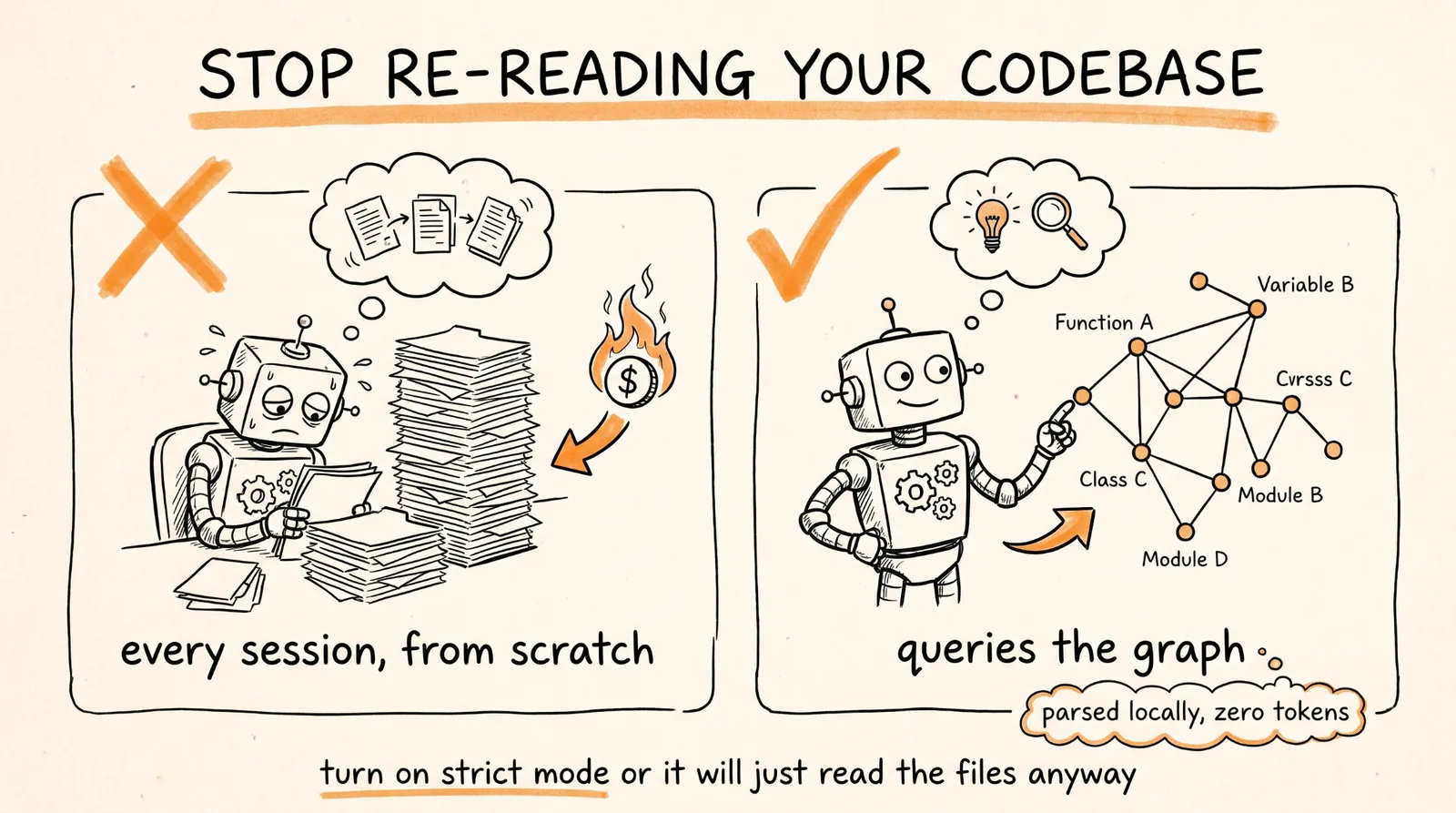
This turns any folder, code, docs, SQL schemas, configs, PDFs, into a queryable knowledge graph. Instead of Claude re-reading your codebase every session to figure out where things are, it queries the graph.
The important technical detail: parsing is local and deterministic, using tree-sitter AST across 20+ languages. Your code does not leave your machine, and default mode costs zero tokens because it is pure AST parsing rather than a model reading files. There is a --deep mode that uses an LLM for semantic connections, which does need an API key.
Install the skill with:
graphify install --platform claude
Two features worth turning on. Strict mode (--strict) makes Claude actually use the graph by blocking the first raw source read of a session and redirecting it to the graph, since a soft nudge is easy for an agent to ignore. And git hooks (graphify hook install) keep the graph current as you commit, because a stale graph is worse than no graph.
The catch: re-run graphify hook install after any upgrade, because the hook embeds your interpreter path at install time.
6. Everything Claude Code, the Process Enforcer
github.com/affaan-m/everything-claude-code
This is a complete Claude Code configuration collection from an Anthropic hackathon winner: agents, skills, hooks, commands, rules, and MCP configs, evolved over months of daily production use.
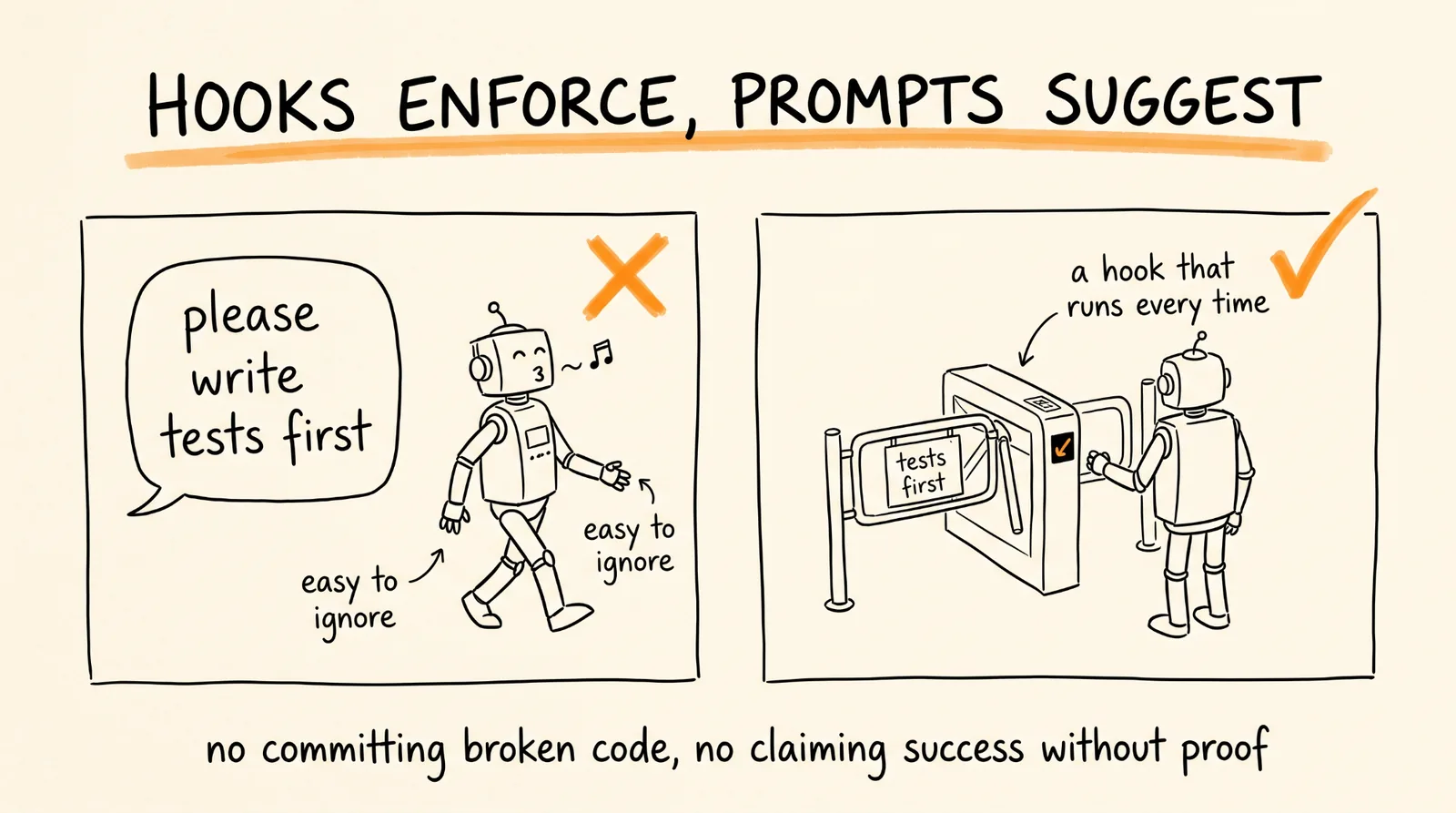
The part that makes it worth installing is the hooks and rules layer, which sits in the background and enforces process rather than suggesting it. Tests before claiming success. No hardcoded secrets. No committing broken code. Coverage requirements. These run as actual hooks in your settings, which is why they work when a line in a prompt would not.
Install via the plugin marketplace:
/plugin marketplace add affaan-m/everything-claude-code
/plugin install everything-claude-code@everything-claude-code
One important note: Claude Code plugins cannot distribute rules automatically, so the rules have to be installed manually from the cloned repo. That is in their README and it is the step people miss, then wonder why nothing is being enforced.
The catch: this repo has many forks under different names, and they are not all the same version or the same maintainer. Install from the original. A fork of a repo that writes hooks and MCP servers into your config is exactly the kind of thing you want to be deliberate about.
The Safety Part, Which Is Not Optional
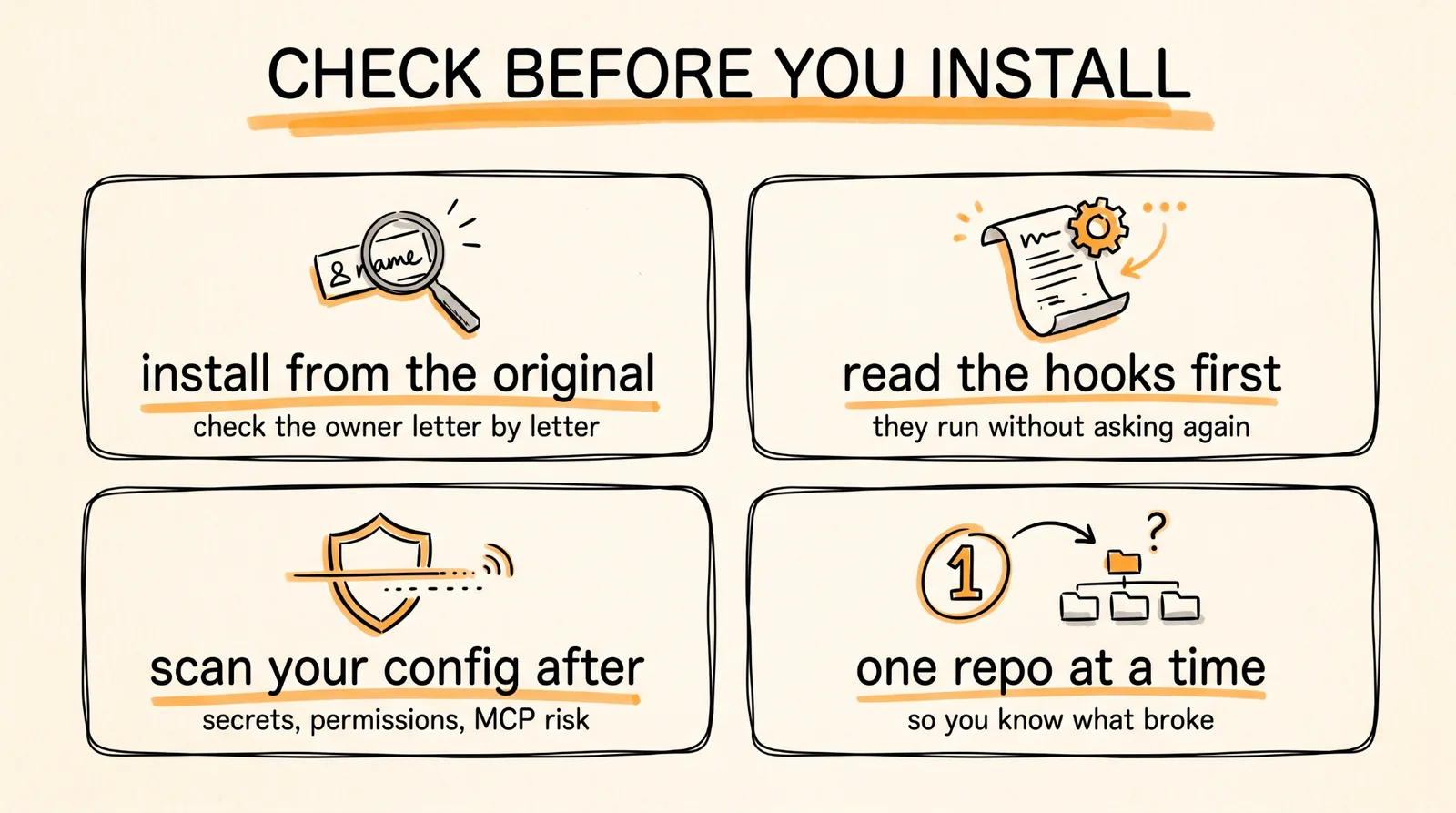
Every repo on this list works by installing things that execute on your machine with your permissions. Hooks run automatically. MCP servers can reach your files and your accounts. Skills tell your agent what it is allowed to do. That is the power, and it is also the risk.
Four rules that cost you ten minutes and prevent the bad version of this.
Install from the original repository, not a fork. Check the owner name character by character against the source in this guide. Typosquatted repos of popular tools are a real and growing problem, precisely because these installs are so easy.
Read the hooks before you install them. Open hooks.json and the rules files and actually look. You are approving code that runs on every action without asking you again.
Run AgentShield after every install. That is the whole reason it is on this list rather than in a footnote.
Add one at a time, and use each for a few days before adding the next. If your setup starts behaving strangely, you want to know which of six repos caused it. Installing all six in one afternoon is how you end up with a config you cannot debug.
Where to Start
If you only install one, make it gstack, because process is the thing most people are missing and it changes how you work rather than what you can do.
If your sessions burn tokens re-reading the same code, install Graphify next, since that is a measurable fix to a specific problem.
If you ship code that other people depend on, Everything Claude Code plus AgentShield is the pair that keeps you honest.
DeerFlow and OpenMontage are different in kind, they are products you run rather than upgrades to Claude, so add them when you have a job for them, not because they are on a list.
Don't want to figure this out alone? I walk members through every step inside the community. Join the Skool → skool.com/raycfu